



Blended learning, which combines classroom lessons with online learning, is now the norm in modern education. As schools move to hybrid teaching models, they need technology that can easily handle both in-person and online learning environments. This is when a Learning Management System (LMS) becomes very important.
A modern LMS does more than just host course content. It lets schools offer classes, keep track of student progress, encourage collaboration, handle tests, and give data-driven insights that help students learn better. The LMS is the main platform that connects students, teachers, and academic workflows for schools and universities that use blended and online learning.
But in 2026, picking the right LMS is more than just looking at the feature lists. Institutions need to look at platforms based on how well they can grow, how well they can get students involved, how well they can work with other academic systems, and how well they can support long-term digital learning plans.
This guide looks at the 10 best LMS platforms for blended and online learning in 2026. It focuses on how each platform meets the needs of modern institutions and supports hybrid education models.
Table of Contents
The Best LMS Platforms for Blended and Online Learning (2026)
1. Classe365
Classe365 is meant to be a full education management system, not just a learning management system (LMS). It brings together an LMS, a SIS, and an Admissions CRM into one platform. This lets schools manage the whole student lifecycle, from getting leads to delivering lessons and keeping in touch with alumni.
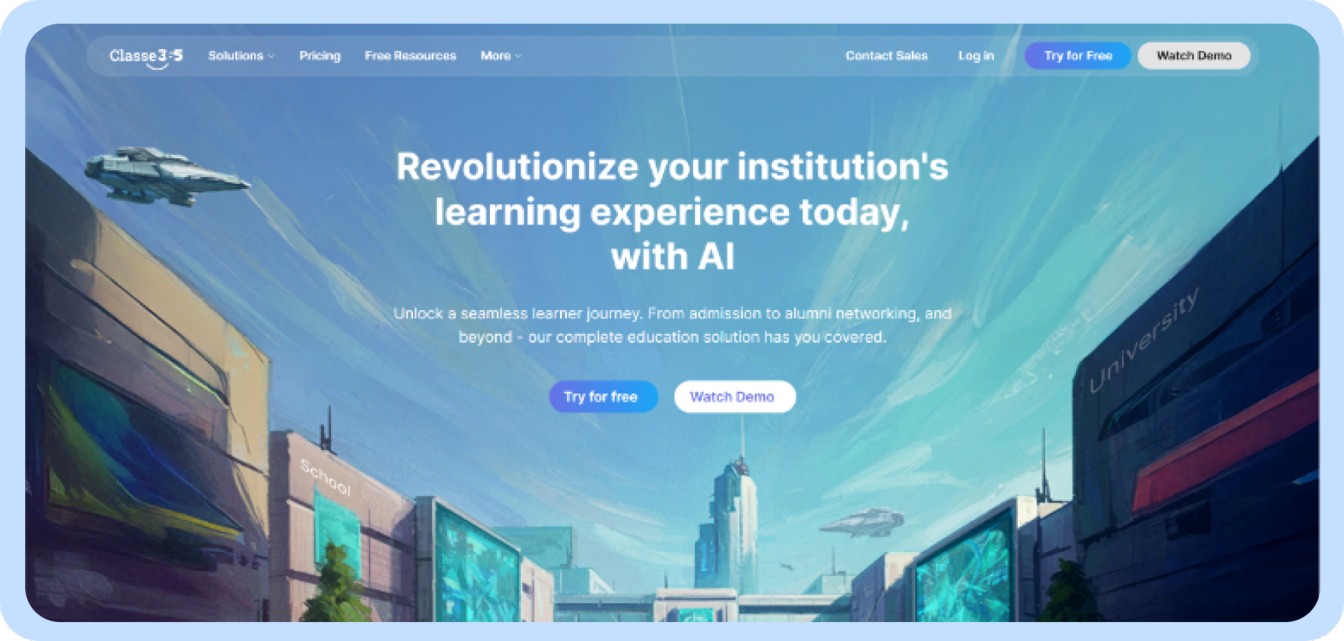
The platform helps schools that offer blended learning programs create courses, assign work, hold discussions, give tests, and hold live classes. It also keeps track of academic records, attendance, and administrative tasks.
Because of this unified architecture, schools and colleges don’t need different systems for admissions, teaching, and managing student data.
Best For
Colleges, universities, and training centers want to replace a bunch of separate systems with one unified platform.
Key Capabilities
Classe365’s LMS lets teachers give lectures in real time and on their own time. They can also upload course materials, assignments, and quizzes.
The platform also lets teachers keep track of how students are using course materials and measure engagement levels across programs.
Unlike other LMS platforms that only handle course delivery, Classe365 also offers:
- Admissions and lead management with its built-in CRM
- Centralized student records through its SIS
- Automated processes for academic work
- Reporting dashboards for insights into institutions
This is especially helpful for schools that want to build a digital campus infrastructure that can grow with them instead of having to deal with a lot of separate tools.
What Makes Classe365 Different
Most LMS platforms are mostly about delivering content and managing courses.
Classe365 goes beyond just delivering lessons. It connects admissions, academics, and student data into one system, which helps schools get rid of data silos and make their work more efficient.
| Capability | Traditional LMS | Classe365 |
| Course Management | ✔ | ✔ |
| Admissions CRM | ✖ | ✔ |
| Student Information System | ✖ | ✔ |
| Unified Academic Workflow | ✖ | ✔ |
2. Moodle
Overview
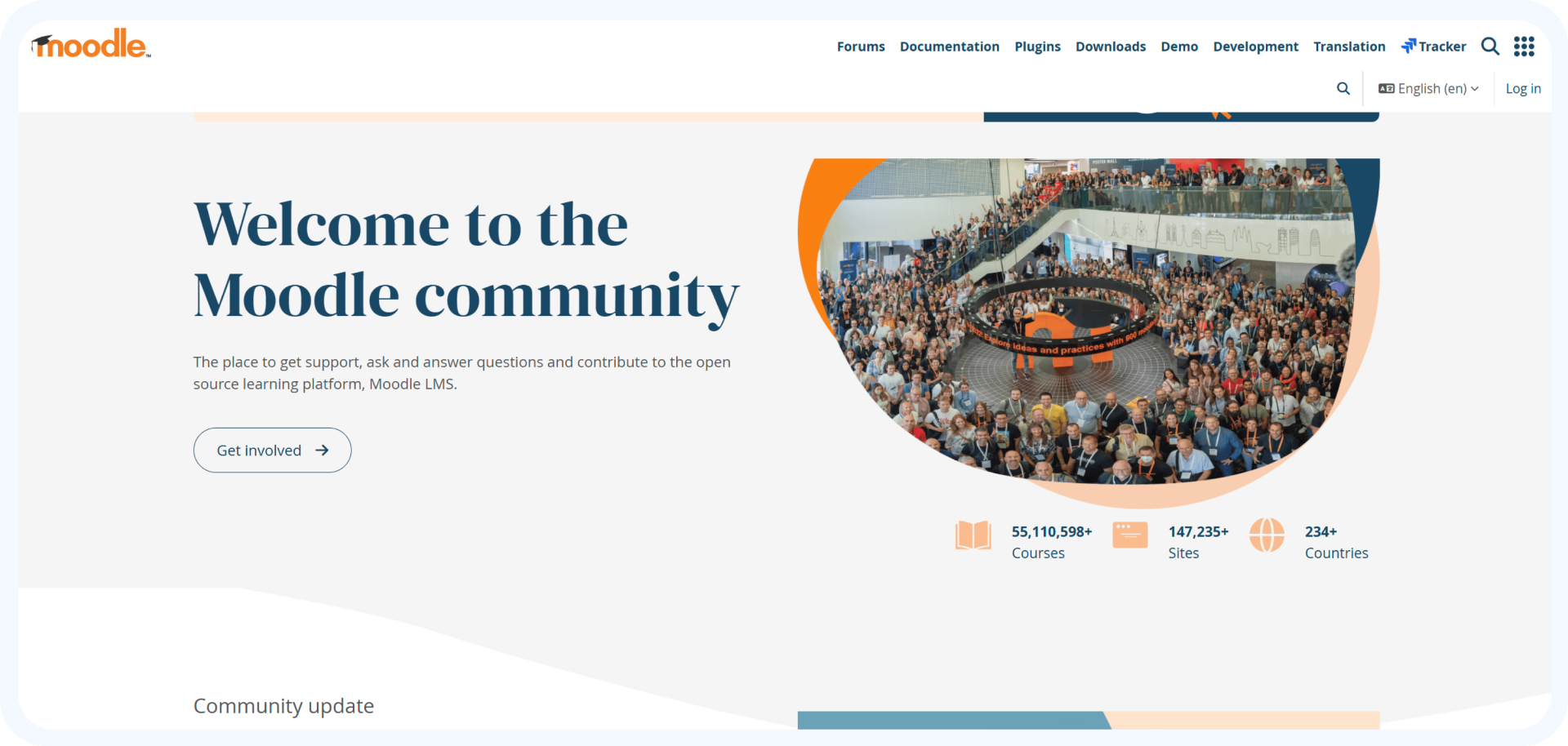
Moodle is one of the most popular learning management systems in the world. People like it because it is open source and can be customized easily. Using plugins and integrations, institutions can make the platform very unique.
Best For
Universities and other organizations that want to be able to fully manage their LMS infrastructure and customization options.
Key Features
- Platform that is open source
Institutions can host, change, and personalize Moodle to meet their academic and technical needs. - A large number of plugins
Thousands of plugins let schools add features like analytics, gamification, and integrations. - Managing courses and tests
Teachers can make structured courses, quizzes, homework, and ways to grade students. - Help with mobile learning
With the Moodle mobile app, students can access their courses, take part in discussions, and turn in assignments from anywhere.
Pros
- Learning environment that can be changed a lot
Schools can customize the LMS to fit their academic needs. - A big community around the world
Moodle has a lot of documentation, plugins, and help for developers.
Limitations
- You need to know a lot about technology
IT support is often needed for hosting, customizing, and maintaining. - The interface can feel old.
Some schools like LMS interfaces that are more up-to-date.
3. Canvas Learning Management System
Overview
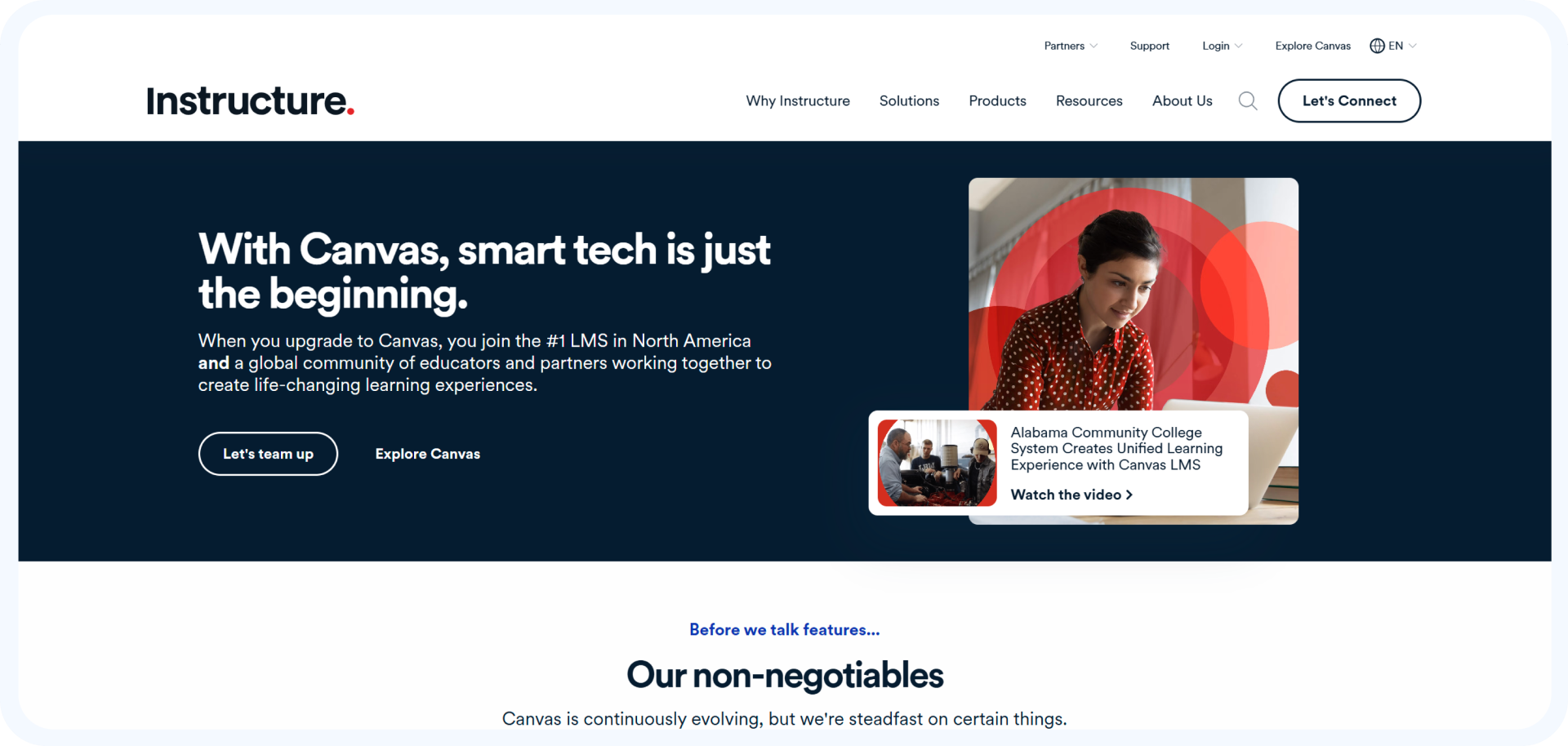
Many universities and K–12 schools use Canvas LMS, a learning platform that is hosted in the cloud. It is known for its easy-to-use interface, strong integrations, and infrastructure that can grow with your needs.
Best For
Schools and colleges that want a modern, cloud-based LMS that is easy to use.
Key Features
- Tools for making courses that are easy to use
Teachers can quickly make courses with modules, assignments, quizzes, and other types of media. - Integration environment
Canvas works with tools like video conferencing platforms, plagiarism checkers, and SIS platforms. - Learning on the go
Dedicated mobile apps for students and teachers help learning on all devices. - Tools for working together
Discussion boards, announcements, and messaging tools make it easier for students and teachers to talk to each other.
Pros
- Very easy to use interface
The platform is easy for faculty and students to use with little training. - Strong infrastructure in the cloud
Canvas works well for big schools and businesses with thousands of users.
Limitations
- Pricing for businesses
Licensing costs can add up quickly for big deployments.
4. Docebo
Overview
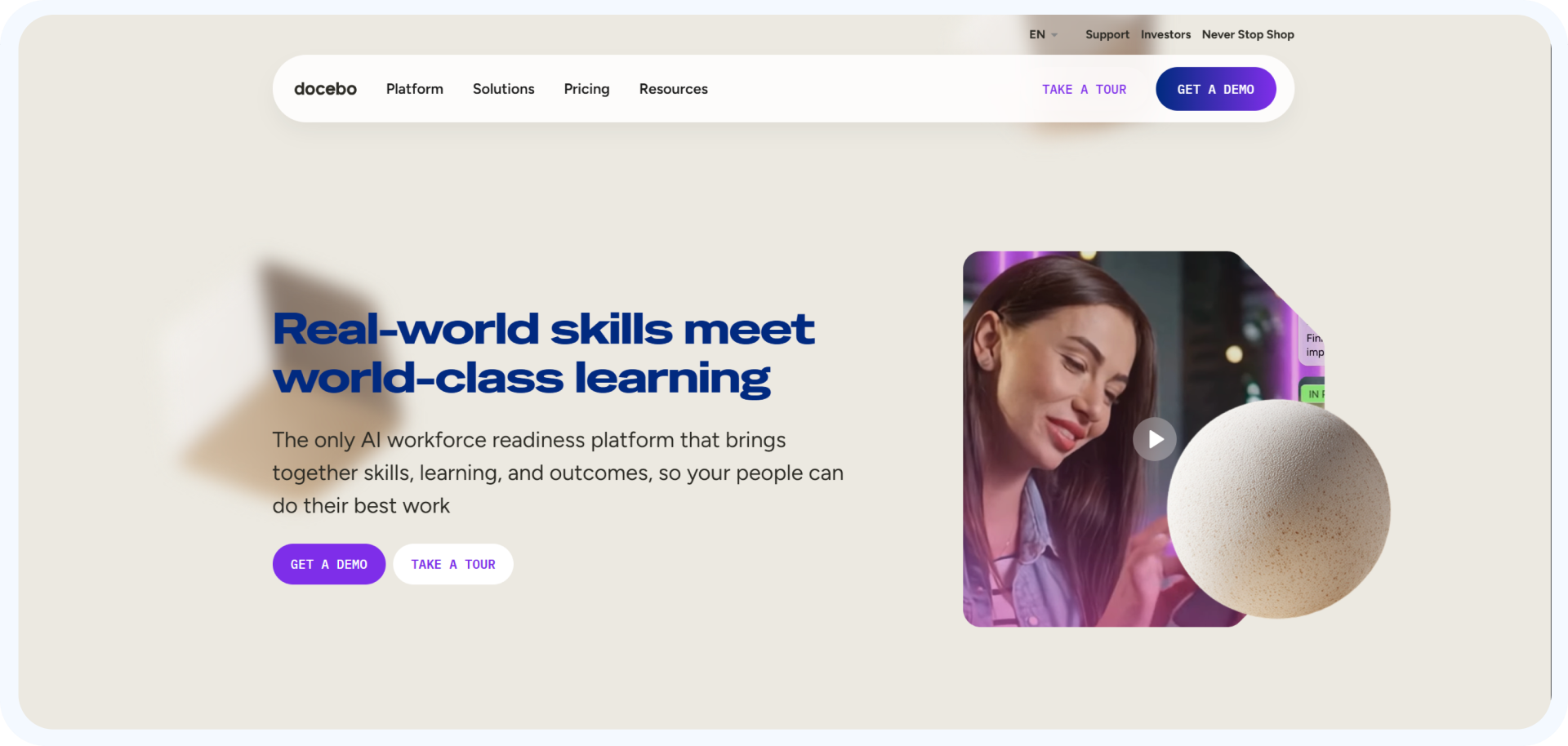
Docebo is a learning platform for businesses that want to run big training and skill-building programs.
Best For
Businesses and global organizations that offer training programs for their employees.
Key Features
- Learning suggestions based on AI
The platform suggests courses that are relevant to the learner’s behavior and skill gaps. - Advanced reporting and analysis
Administrators can see how engaged students are, how effective training is, and what they learn. - Tools for automation
You can automate routine office tasks like sending out notifications and enrolling people.
Pros
- A platform that can grow a lot
Good for companies that train teams all over the world. - Strong tools for analytics
Helps businesses keep track of the return on investment (ROI) and engagement of their learning.
Limitations
- Costly to put into action
Smaller schools might not be able to afford enterprise-level prices.
5. TalentLMS
Overview
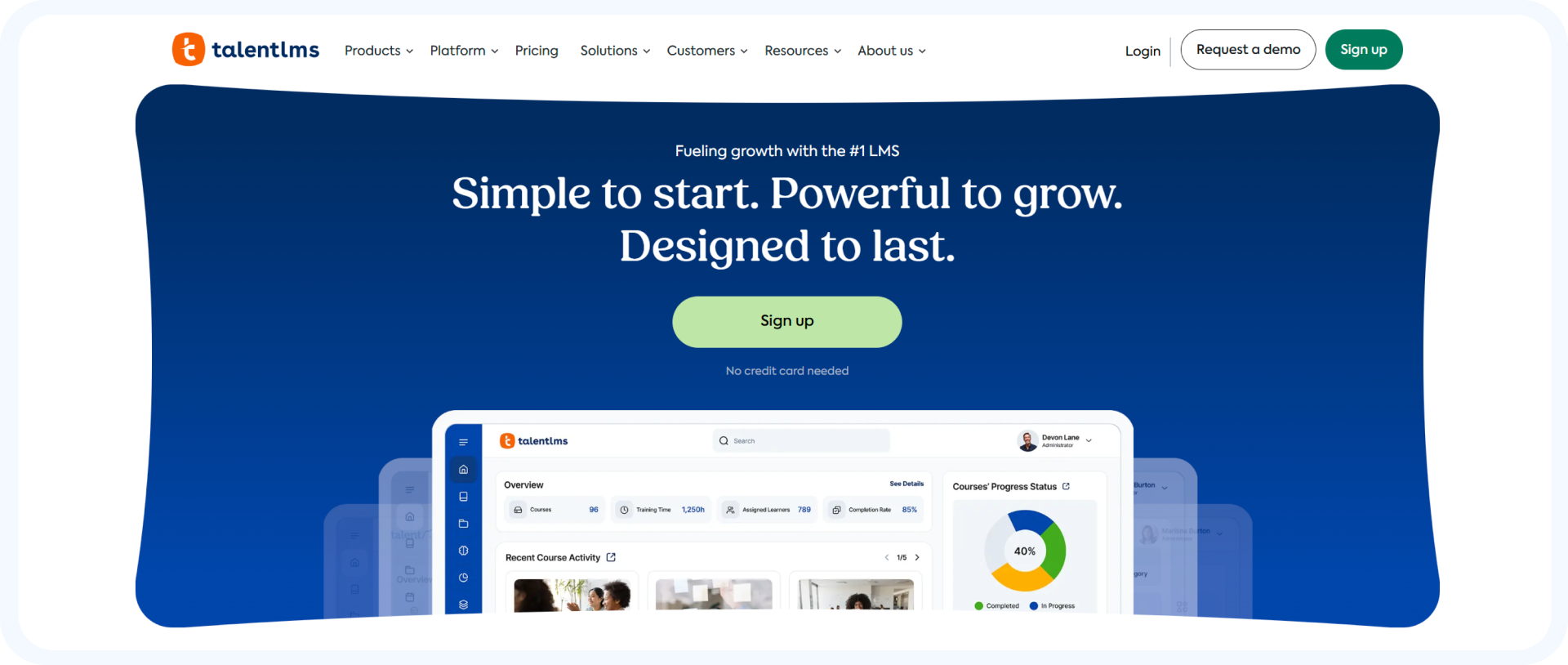
TalentLMS is made for businesses that need a learning platform that is simple and easy to set up. It lets administrators quickly start training programs without having to set up complicated technology.
Best For
Small and medium-sized businesses that offer training or certification programs for their employees.
Key Features
- Tools for gamification
Leaderboards, badges, and prizes help keep learners interested. - Support for learning on the go
Students can take courses on their phones or tablets. - Setting up a course quickly
Using templates and pre-built tools, administrators can quickly start courses.
Pros
- Simple to put into action
Companies can set up training programs without knowing how to do it. - Low prices for entry
Good for teams that are getting bigger and small businesses.
Limitations
- Not a lot of options for customization
Compared to open-source LMS platforms, the platform has fewer ways to customize it.
6. SAP Litmos
Overview
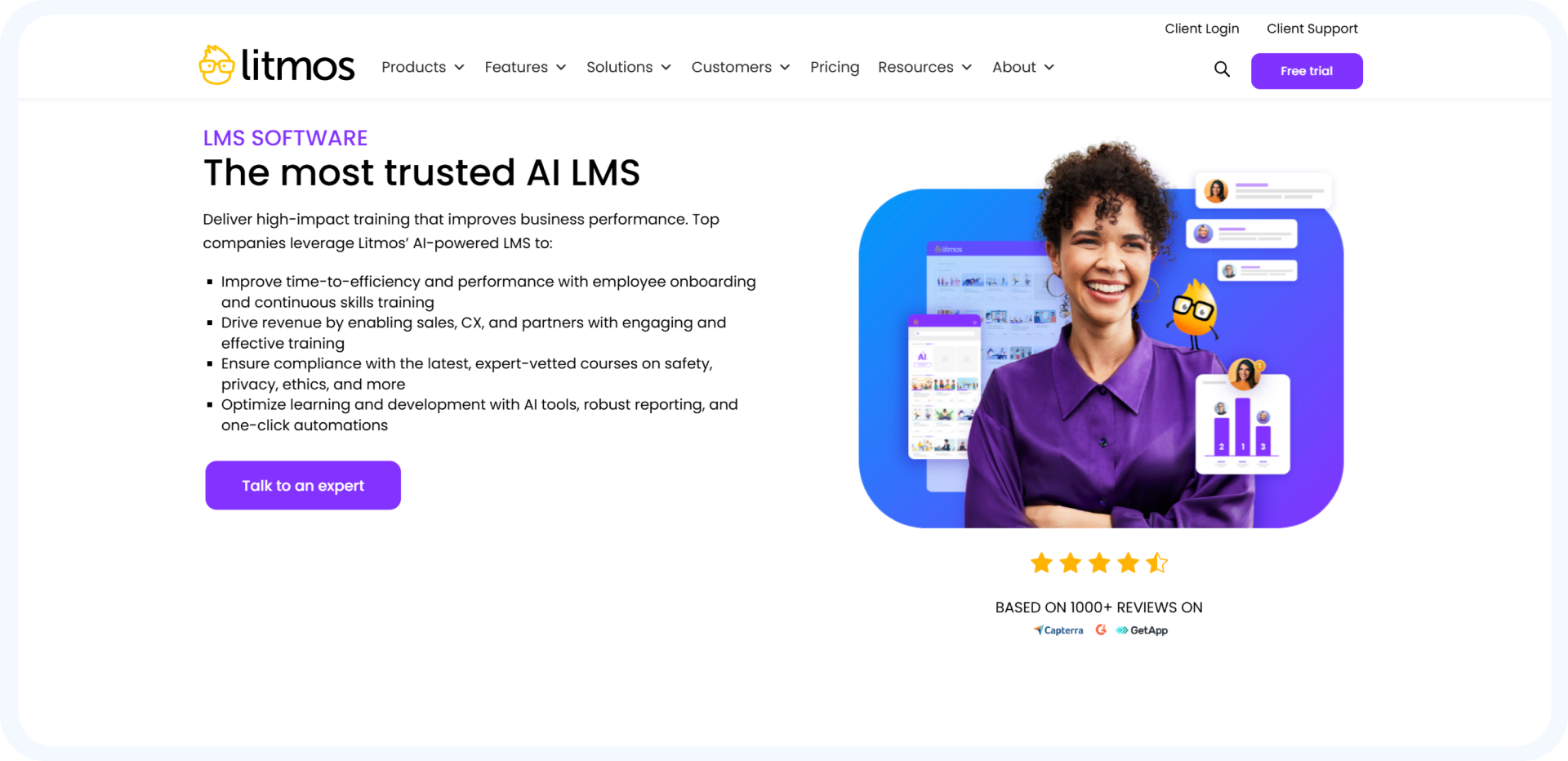
SAP Litmos is a cloud-based LMS that is mostly used for training employees, making sure they follow the rules, and developing a global workforce. It gives companies the tools they need to offer standardized training programs and keep track of learning across teams that are spread out.
Best For
Big companies and global organizations that offer compliance training and programs to help employees do their jobs better.
Key Features
- Training on rules and regulations
Litmos helps companies keep track of who has finished their required training programs and who has not. - Library of pre-made course content
The platform has a huge library of pre-made courses on leadership, compliance, and skills for the workplace. - Integrations for businesses
Litmos works with business systems like HR platforms, CRM tools, and productivity apps.
Pros
- Strong ability to manage compliance
Companies can keep track of certifications automatically and make sure that all of their employees finish the training they need to. - Can be used by teams all over the world
The platform can handle content in more than one language and train workers who are spread out.
Limitations
- Difficult first setup
During implementation, businesses may need technical setup and customization.
7. 360Learning
Overview
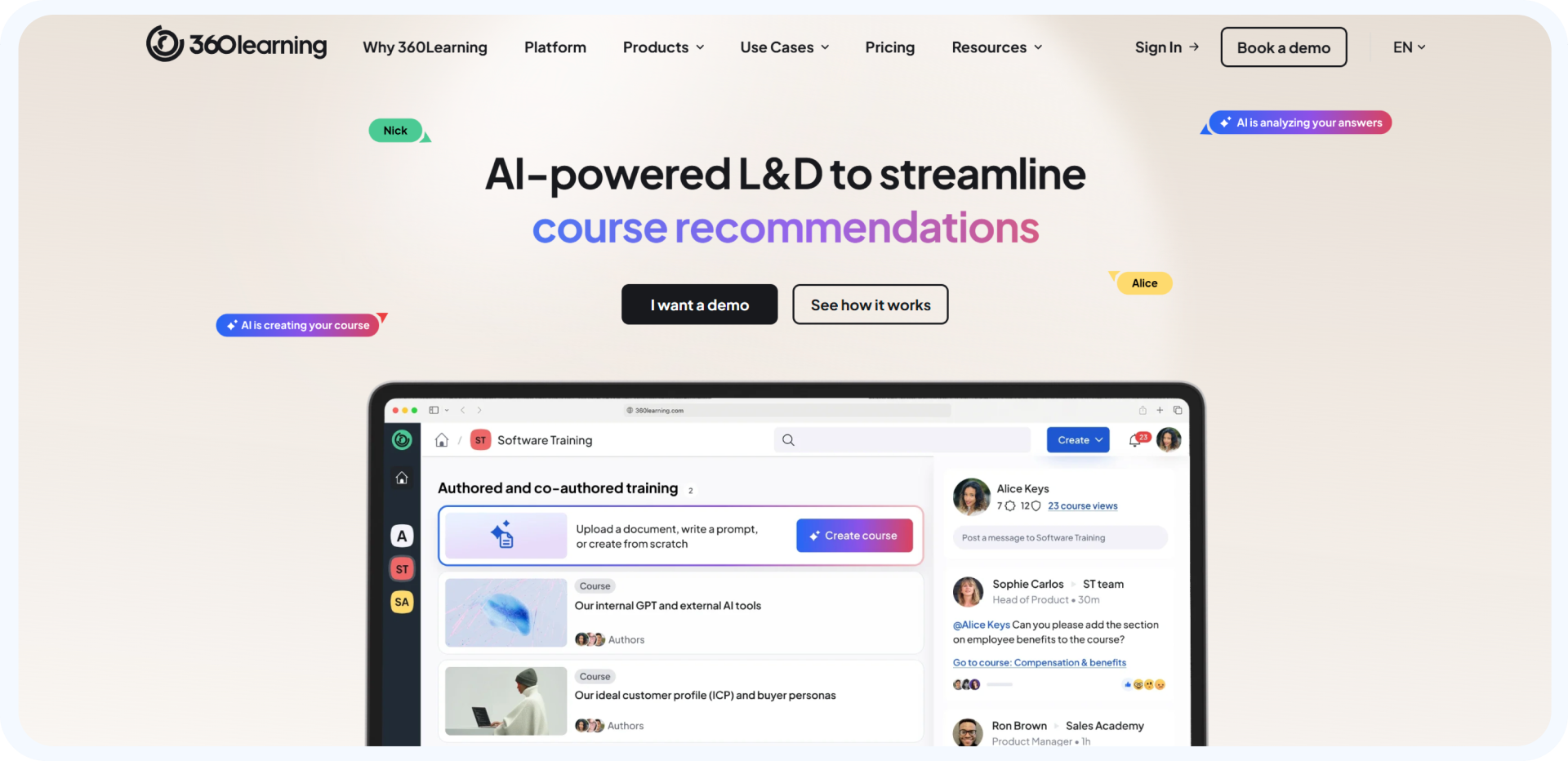
360Learning is a platform for collaborative learning that is based on sharing knowledge with peers and building internal expertise. The platform lets employees make and share learning content instead of just relying on centralized training teams.
Best For
Groups that want to keep learning and share what they know with others.
Key Features
- Tools for learning with peers
Employees and subject matter experts can make learning modules and share their knowledge with their teams. - CMaking a course together
Teams can work together to make courses, quickly update content, and give students feedback.
Pros
- A lot of interest from learners
The collaborative model encourages people in organizations to work together and share what they know. - Updates to content happen more quickly
You don’t have to rely on centralized content teams to quickly update training materials.
Limitations
- A learning environment that isn’t as structured
Organizations that need strict course structures may prefer traditional LMS platforms.
8. Thinkific
Overview
Thinkific is an online course platform that lets teachers, business owners, and creators make, promote, and sell courses through their own branded learning websites.
Best For
Course creators and independent teachers who want to make money from online courses without having to set up a complicated LMS.
Key Features
- Tools for making money from courses
Creators can sell courses in a number of ways, including subscriptions, bundles, and one-time payments. - Websites for custom courses
Users can make branded course websites on the platform without having to code.
Pros
- There are no fees for transactions on paid plans.
Compared to some course platforms, creators keep more of their money. - Setting up and publishing courses is easy.
Teachers can start courses quickly without needing to know much about technology.
Limitations
- Limited business capabilities
The platform may not work well for schools that need advanced academic administration.
9. Teachable
Overview
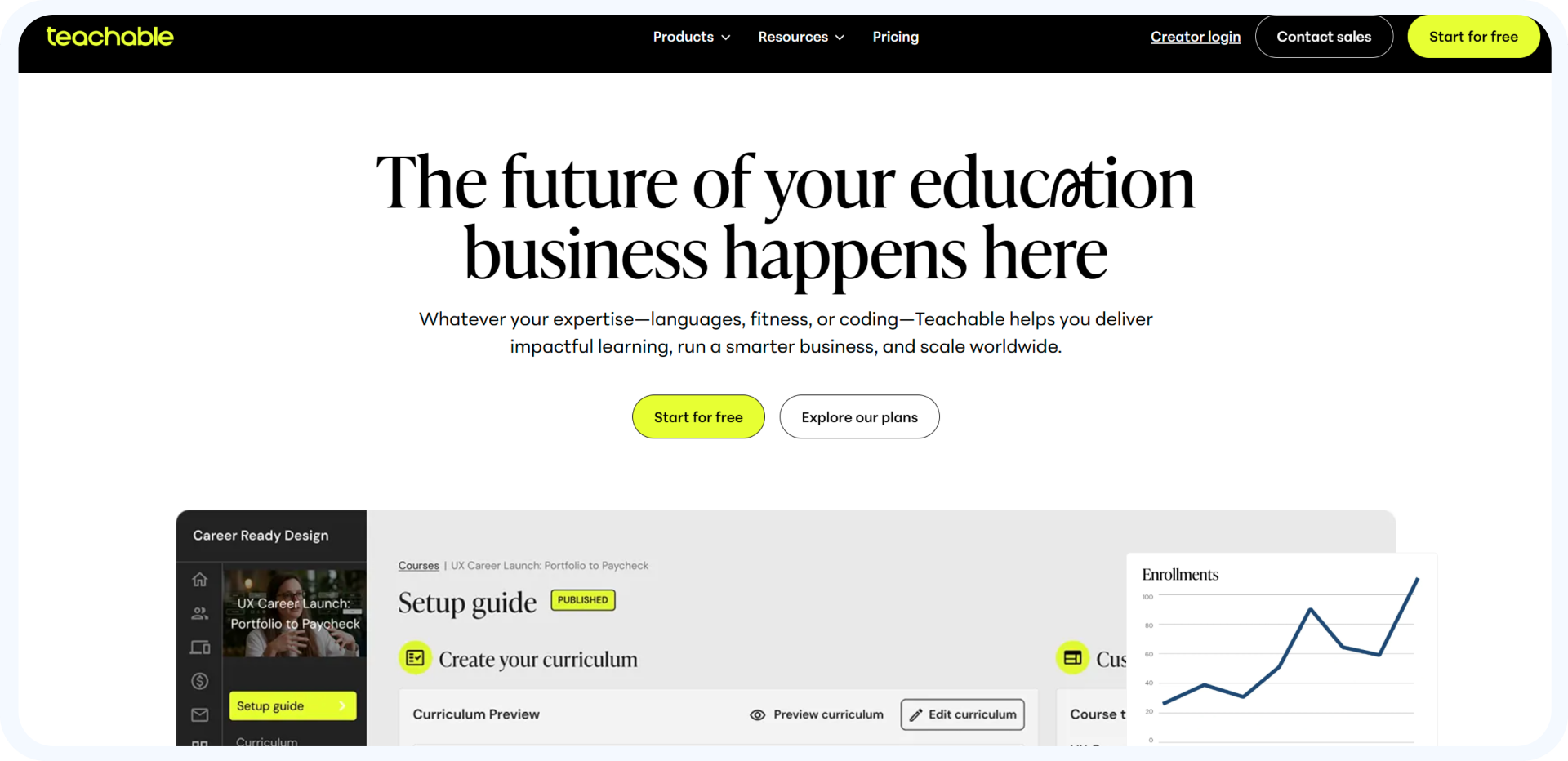
Teachable is meant to help teachers quickly start and sell online courses. The platform is all about being easy to use, having built-in payments, and giving course creators tools to manage their courses.
Best For
Individual teachers, coaches, and creators who are making their first online course.
Key Features
- Processing payments right in the app
Creators can get paid, manage subscriptions, and sell courses with Teachable. - Tools for coaching and mentoring
The platform has tools for running coaching sessions along with course materials.
Pros
- Platform that is easy for beginners to use
It doesn’t take much work for teachers to make and start courses. - Quick course deployment
It is easy to publish courses and start selling them with built-in templates.
Limitations
- Not many ways to customize
Customization of design and workflow is limited compared to more advanced LMS platforms.
10. Absorb LMS
Overview
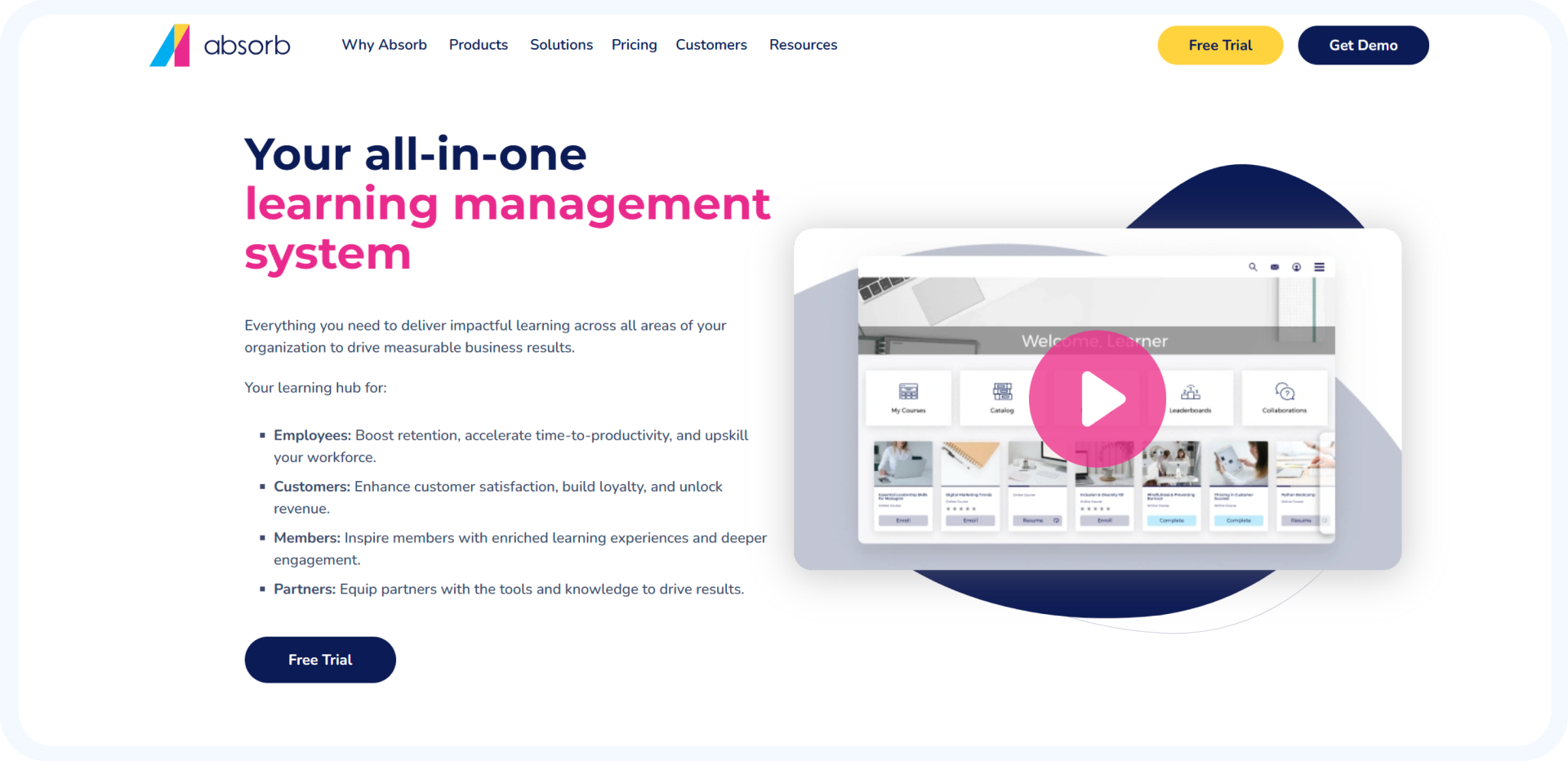
Absorb LMS is a modern, cloud-based learning platform that is known for being easy to use and having advanced reporting features. Many mid-sized companies use it to run structured training programs.
Best For
Businesses and organizations of medium size that need training programs based on data.
Key Features
- Dashboards for advanced reporting
Administrators can keep an eye on how well students are doing, how engaged they are, and how many of them finish their training. - Tools for automation
The platform takes care of enrollments, reminders, and certification tasks on its own.
Pros
- Strong analytics and reporting
Organizations get a lot of information about how well their training is working and how well their students are doing. - An interface that is modern and easy to use
The platform is made to make it easier for both administrators and learners to use.
Limitations
- Prices go up when there are more advanced features.
Costs can go up when businesses add integrations and more advanced features.
What Modern Blended Learning Needs That a Traditional LMS Doesn’t Have
Blended learning uses more than one way to teach, so schools can teach in both digital and classroom settings.
Blended learning usually has
- Training led by an instructor (ILT)
Traditional classroom teaching is still important for group learning, discussions, and mentoring. - Classrooms that are not real
Institutions can give lectures and workshops from a distance with live online sessions. - Modules for learning at different times
Students can watch recorded lectures, do homework, and read course materials at their own pace. - Assessments that happen all the time
Institutions can see how well their students are learning by giving them quizzes, assignments, and keeping track of their progress.
Modern LMS platforms now support
- Integrations for webinars and virtual classrooms
Platforms work with tools like Microsoft Teams or Zoom to offer live sessions.. - Learning paths that are automated
Students move through structured courses with automatic recommendations and requirements. - Dashboards for analytics and performance
Schools can keep track of how involved students are, how many courses they finish, and how well they do in class.
Key Features of the Best LMS Platforms for Blended and Online Learning
| Feature | Why It Matters |
| Blended Learning Support | Combine live and self-paced learning |
| AI Personalization | Adaptive learning paths |
| Analytics & Reporting | Track engagement & outcomes |
| Mobile Learning | Learn anywhere |
| Integrations (CRM/SIS) | Unified operations |
| Content Compatibility (SCORM/xAPI) | Flexible course delivery |
Platforms differ significantly based on target users, corporate vs academic, and creators.
How to Choose the Best LMS Platform for Blended and Online Learning
For colleges and schools, Canvas LMS and Moodle are examples of platforms that help with structured academic workflows, grading, and managing faculty. If you want to manage fewer systems, think about using an integrated platform like Classe365, which combines LMS and SIS.
For coaching institutes and EdTech, you need more than just delivering content. You also need LMS + CRM integration, automation, and lead management. Classe365 has a single system for managing both student acquisition and learning.
For business training make compliance, reporting, and analytics your top priorities. Docebo and SAP Litmos are two good platforms to use. Classe365 is a better all-around system for training and education.
For people who make courses, platforms like Thinkific and Teachable are great if making money is your main goal. Classe365 helps you keep track of courses, students, and operations all in one place as you grow.
In the end, it depends on how you plan to use it, but platforms that combine LMS, CRM, and SIS (like Classe365) make things easier as you grow.
The Benefits of Using LMS Platforms for Blended Learning
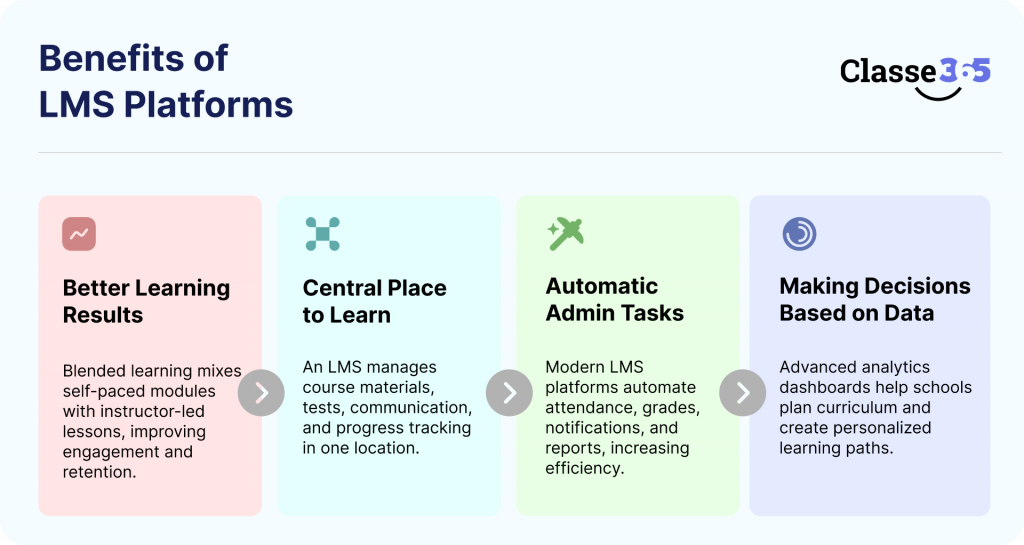
Blended learning LMS platforms make things better, make things run more smoothly, and let data drive education.
1. Better Learning Results
Blended learning mixes self-paced modules with lessons led by an instructor. This makes it more engaging, helps students remember what they learn, and gives them more freedom. Canvas LMS and Moodle are two platforms that support interactive quizzes, multimedia content, and real-time feedback. These are all important for helping students do better.
2. A central place to learn
An LMS lets you manage all of your course materials, tests, communication, and progress tracking from one place. This gets rid of broken tools and makes learning easier in both online and offline settings.
3. Making administrative tasks automatic
Modern LMS platforms keep track of attendance, grades, notifications, and reports automatically. This makes things easier for teachers and makes the school more efficient.
4. Making decisions based on data
Advanced analytics dashboards help schools keep an eye on how engaged students are, how many of them finish their work, and how their performance is changing over time. With these insights, you can plan the curriculum better and make learning paths that are unique to each student.
Problems with LMS Platforms (Not Often Talked About)
LMS platforms have clear benefits, but they also have hidden problems that can affect scalability and ROI.
1. High Total Cost of Ownership
Enterprise LMS platforms can cost between $10,000 and $30,000 a year, not counting the costs of setting them up, customizing them, and keeping them up to date. These extra costs make it hard for many institutions to grow.
2. Problems with integration
Schools and colleges often use different systems for LMS, CRM, admissions, and finance. This causes data silos, manual syncing, and other problems that affect both operations and the student experience.
3. Problems with getting people to use it
If the interface is too complicated or the experience is bad, faculty and students may not use it as much. Digital transformation can take longer when systems need a lot of training.
4. The difficulty of managing content
Over time, it gets harder to manage a lot of content, like videos, tests, and modules. Common problems include keeping track of versions, making updates, and keeping things the same.
FAQ
What is the best LMS for blended learning?
The best LMS depends on your use case. Popular options include Moodle, Canvas LMS, Docebo, and Classe365 for institutions looking for an all-in-one system.
How much does an LMS cost?
LMS pricing ranges from free platforms like Moodle to enterprise solutions that can cost $10,000+ per year depending on features, users, and customization.
Is an LMS enough to manage an institution?
No. Most institutions require additional systems like CRM (for admissions and lead
What is the difference between LMS and SIS?
An LMS manages learning delivery (courses, content, assessments), while an SIS manages student data (enrollment, attendance, grades, records). Both systems serve different but complementary roles.
Do I need an LMS with CRM integration?
Yes, especially for EdTech and coaching institutes. CRM integration helps manage leads, automate admissions, and track the student journey from inquiry to enrollment.
Which LMS is best for online course creators?
Platforms like Thinkific and Teachable are ideal for creators focused on course monetization and marketing.
What are the biggest challenges of using an LMS?
Common challenges include high costs, integration issues, low user adoption, and difficulty managing content at scale.
Can LMS platforms support mobile learning?
Yes, most modern LMS platforms offer mobile-friendly interfaces or apps, enabling learners to access content anytime, anywhere.
How does AI improve LMS platforms?
AI enhances LMS platforms through personalized learning paths, automated grading, smart recommendations, and predictive analytics for student performance.
What is a unified LMS platform?
A unified LMS platform combines LMS, CRM, and SIS functionalities into one system, reducing the need for multiple tools and improving data consistency.
How long does it take to implement an LMS?
Implementation can take anywhere from a few weeks to several months, depending on the platform, customization needs, and institution size.What should I look for when choosing an LMS?
Focus on scalability, ease of use, integrations, analytics, support, and whether the platform aligns with your long-term institutional goals.