




Choosing which administrative site to employ for K-12 will be one of the most important digital decisions a school makes in 2026. What began as a simple digital gradebook has grown into a whole school management system that helps with all kinds of academic and administrative tasks. School management software now comes with a powerful Student Information System (SIS), secure login systems for schools, separate portals for parents and students, automated billing and admissions workflows, easy integration with learning management systems (LMS), and mobile-first dashboards that let you see information in real time.
The best practice for K-12 school management systems is to put all student information in one place, make it easier to communicate, make security stronger, and cut down on manual work. This article will discuss the top K-12 school management systems for 2026 and give them a score based on their key features, best uses, and how effectively they aid teachers, students, parents, and administrators.
Table of Contents
What Is a School Management Portal (SIS Software)?
The major tool that a K-12 school utilizes to handle student information, academic processes, communication, admissions, billing, and reporting is a Student Information System (SIS), which is also known as a school management portal. It brings together teachers, parents, students, and administrators with secure, role-based access, making sure that all vital information is kept in one neat system.
Today’s K-12 school administration software makes daily duties easier, reduces the amount of work that needs to be done by hand, makes data more accurate, and gets parents more involved. It is the main thing that makes schools work nowadays.
Core Functions of Modern K-12 Portals
| Category | What It Covers | Why It Matters |
| Academic Records | Grades, attendance, report cards, transcripts | Ensures compliance and accurate data |
| Communication | Parent messaging, alerts, notifications | Improves engagement and transparency |
| Administrative Workflows | Admissions, enrollment, fee collection | Reduces manual processes |
| Role-Based Login Systems | Admin, teacher, parent, student dashboards | Secures access and improves usability |
| Analytics & Reporting | Performance insights, audit logs | Supports decision-making |
Top School Management Portals for K-12 in 2026
1. Classe365
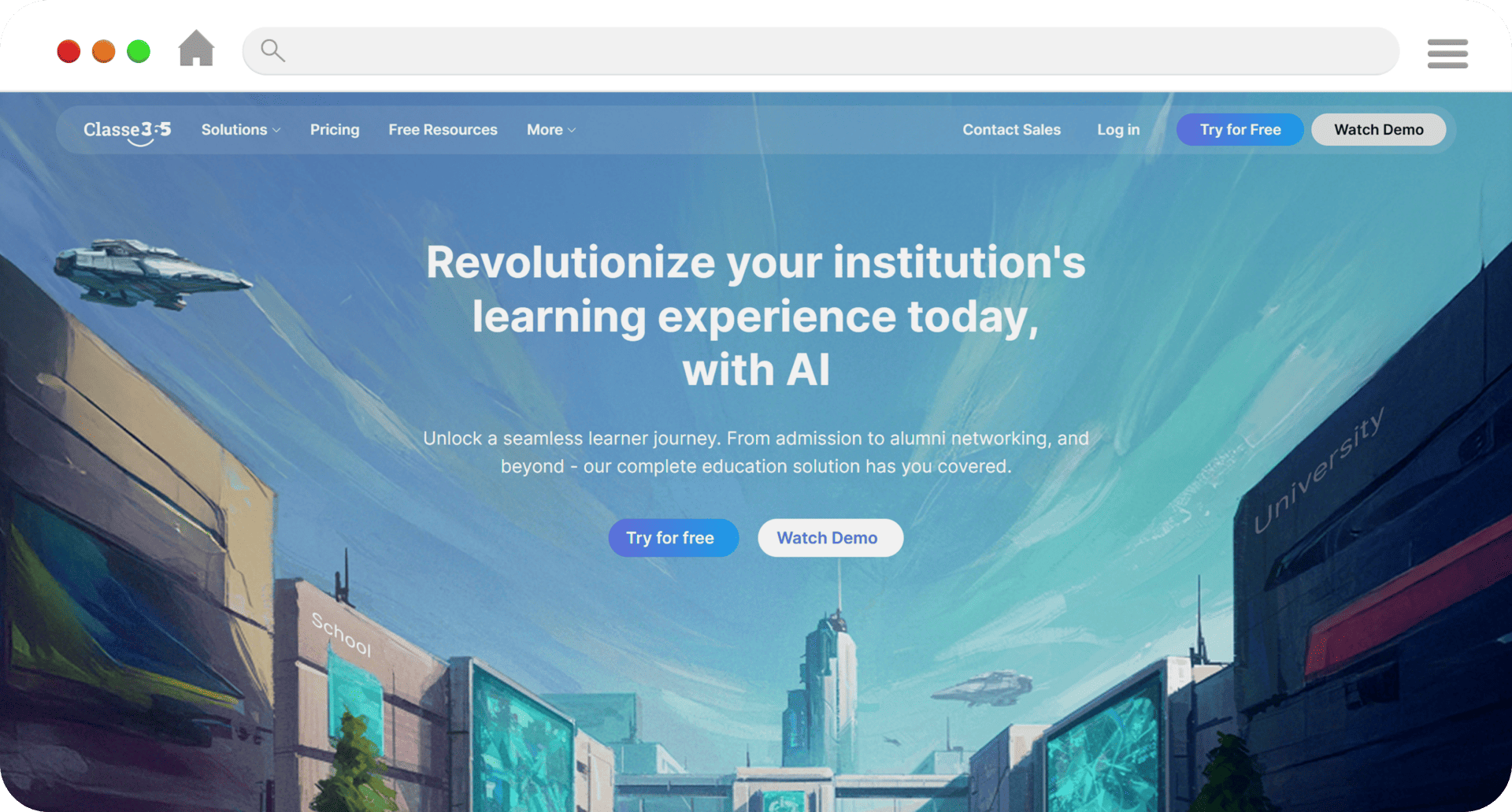
Classe365 is a service for K-12 schools that wish to make their operations easier without the headaches of running a big corporation. It has an SIS, LMS, and CRM. It combines all of the tasks related to schoolwork, administration, and communication into one system.
Key Strengths
- Centralized Student Data Management: Stores all student information, such as attendance, grades, report cards, and other things, in one place. This makes the material more accurate and reduces the number of copies.
- Secure Role-Based Login System: Each group of administrators, instructors, parents, and kids has its own dashboard, so only the correct people can see the right information.
- Admissions and Billing Workflows: This system automates the process of enrolling students, collecting fees, and keeping track of finances all in one place.
- Parent and Student Mobile Portals: These let parents and kids see their grades, attendance, and school communications in real time.
- CRM Integration for Enrollment Management: This tool helps schools handle questions, follow-ups, and admissions pipelines more effectively.
- Classe365 is a whole education management system that supports the entire student lifecycle, from admission to graduation. This is different from LMS-only platforms.
Best For:
Private schools, overseas schools, and K–12 schools that are growing and need a school administration portal with a strong SIS, safe login systems, and tools for administering the school.
2. PowerSchool
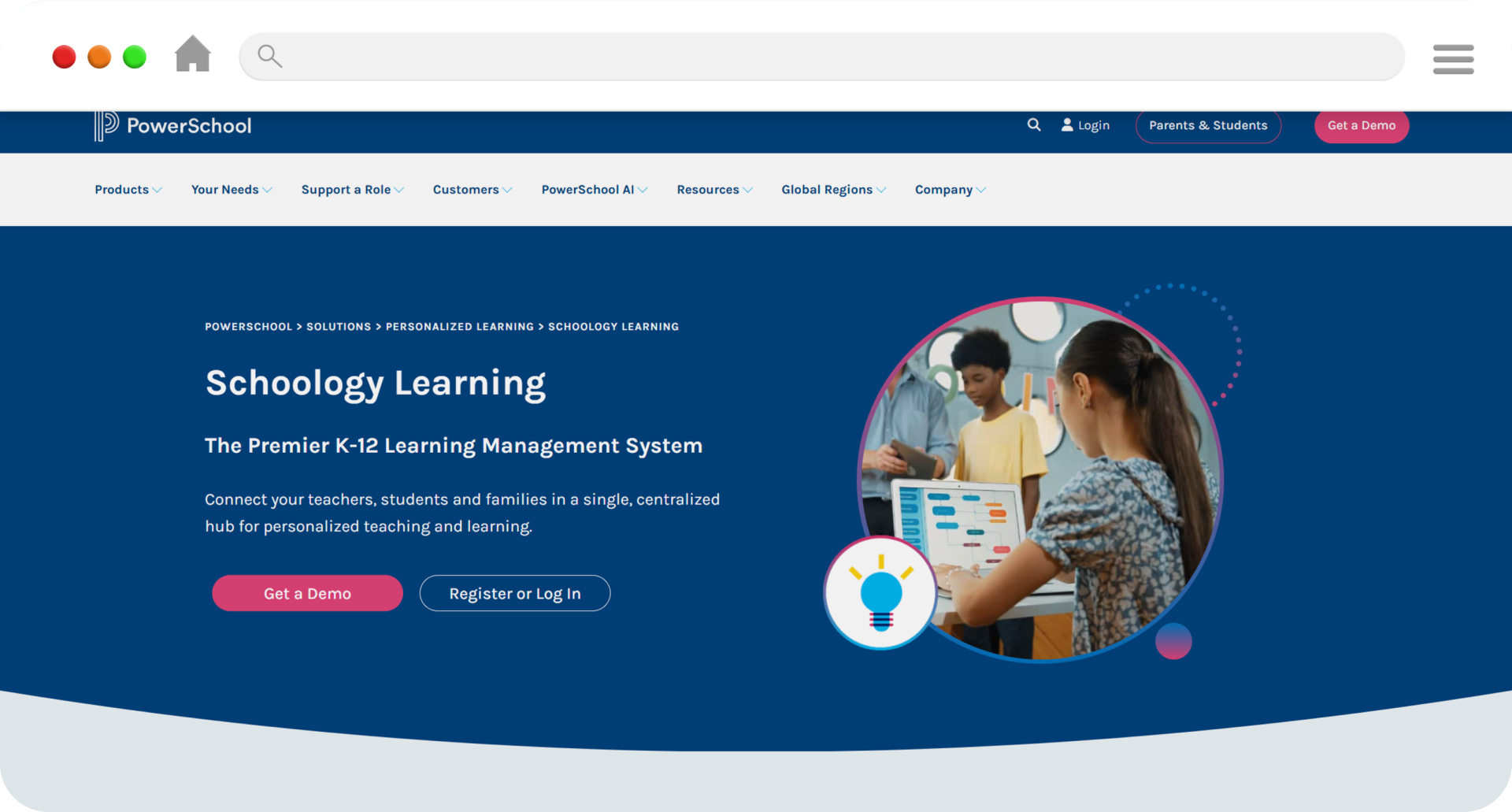
PowerSchool is one of the most used Student Information Systems (SIS) in North America, especially in large public school districts. It is known for being able to handle a lot of pupils and difficult rules at the same time.
Key Strengths
- The infrastructure can develop a lot to service big districts with thousands of kids in many schools.
- With Advanced Reporting & Analytics, you can do a lot of state reporting, compliance tracking, and performance dashboards so you can make decisions based on facts.
- ERP and third-party integrations work with finance, HR, and outside learning systems to keep the district running efficiently.
- District-Level Compliance Features: These are made to handle the reporting requirements that are common in public schools at both the state and federal levels.
PowerSchool works really well in situations where keeping track of a lot of schools, following the rules, and making sure that data is safe are all very critical. It’s a wonderful choice for districts with a lot of schools because it goes so deep.
Limitation:
Small and medium-sized K-12 schools may not be able to handle the platform’s complexity, installation requirements, and pricing structure. Schools that seek a single, easy-to-use system with minimal paperwork may find that all-in-one platforms built for growing schools perform better for them.
3. Canvas
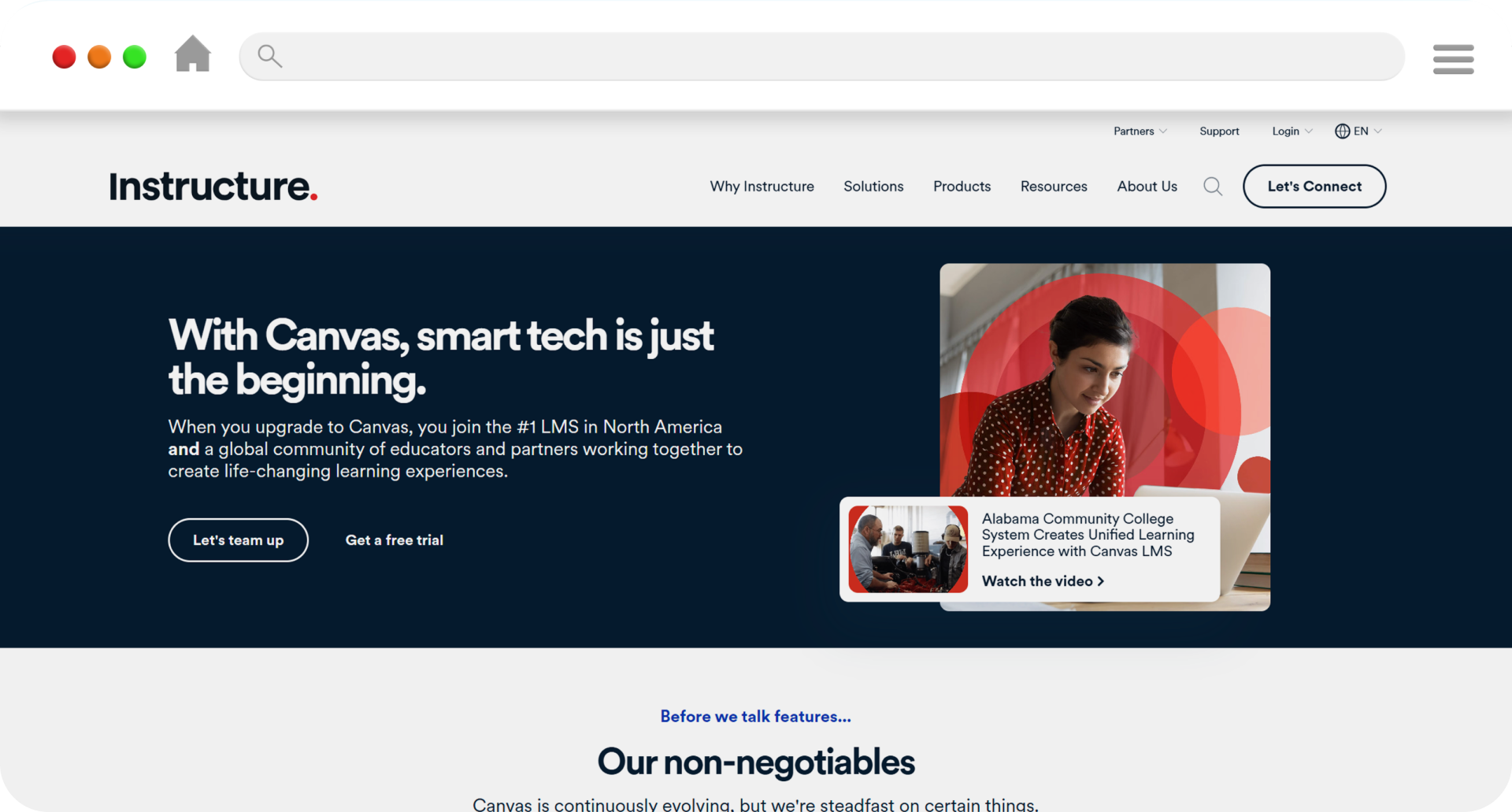
Canvas is more of a Learning Management System (LMS) than a comprehensive Student Information System. It is more about digital teaching, delivering coursework, and getting students involved in class than it is about automating administrative tasks.
Major Important Strengths
- Digital Course Delivery makes it possible to have structured online and blended learning environments with organized modules and resources.
- Assessment & Assignment Tools help with quizzes, grading routines, and feedback systems for ongoing evaluation.
- Google Classroom and App Integrations works well with many popular classroom tools and apps from other companies.
- Modern, easy-to-use interface for teachers and students in digital-first settings.
When you use Canvas with a specialized SIS platform to keep track of attendance, enrollment, billing, and reporting, it works best.
Best Suited For:
Schools that put blended or online learning experiences ahead of full administrative consolidation.
4. Schoology
Schoology combines LMS and light SIS features to create a digital classroom where students may work together and keep track of their academic progress.
Key Strengths
- Classroom collaboration tools make it easier to have discussion boards, share information, and do interactive tasks.
- Parent and Student Portals: These let you see your child’s schoolwork, grades, and messages from teachers.
- Integrated Gradebook: This lets teachers keep track of and control how well their students are doing in their courses.
Schoology is very good in helping with communication and engagement in the classroom. But for schools that need a full SIS platform for admissions, billing, compliance reporting, and operational automation, they usually need another one.
5. Gradelink
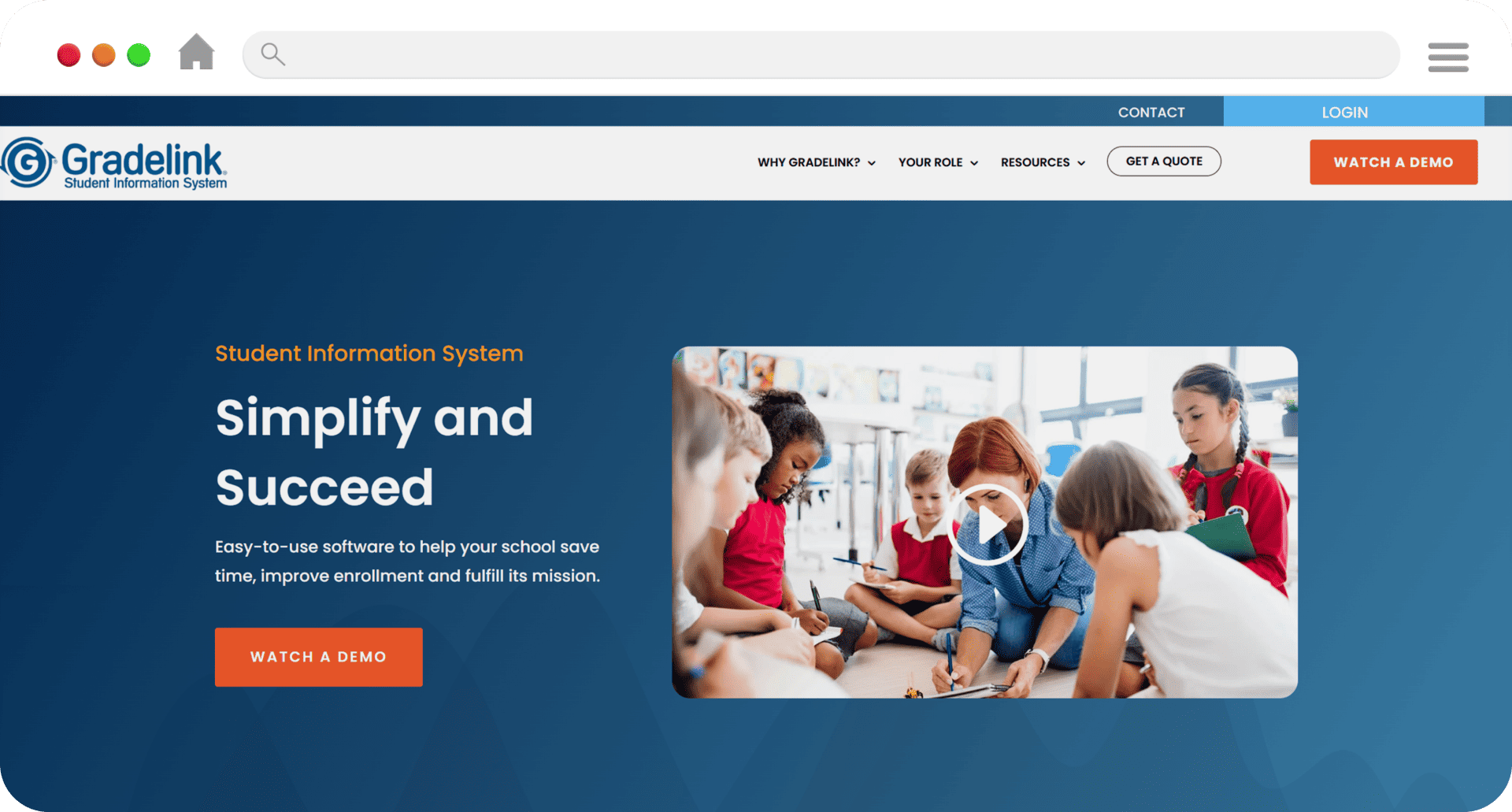
Gradelink is a school management system made for private and charter K-12 schools that need basic SIS features but don’t want a lot of complicated enterprise features.
Key Strengths
- Integrated Gradebook: This academic monitoring system keeps track of attendance, grades, and report cards all in one place.
- Enrollment and Tuition Billing: This software lets you manage both admissions and tuition on the same platform.
- Tools for Communicating with Parents: Families can see announcements, updates, and progress.
- Mobile Accessibility: lets teachers, parents, and students use it on the go.
Gradelink is very easy to set up and use, which makes it a great choice for small to medium-sized schools that want things to be simple and work well on a daily basis.
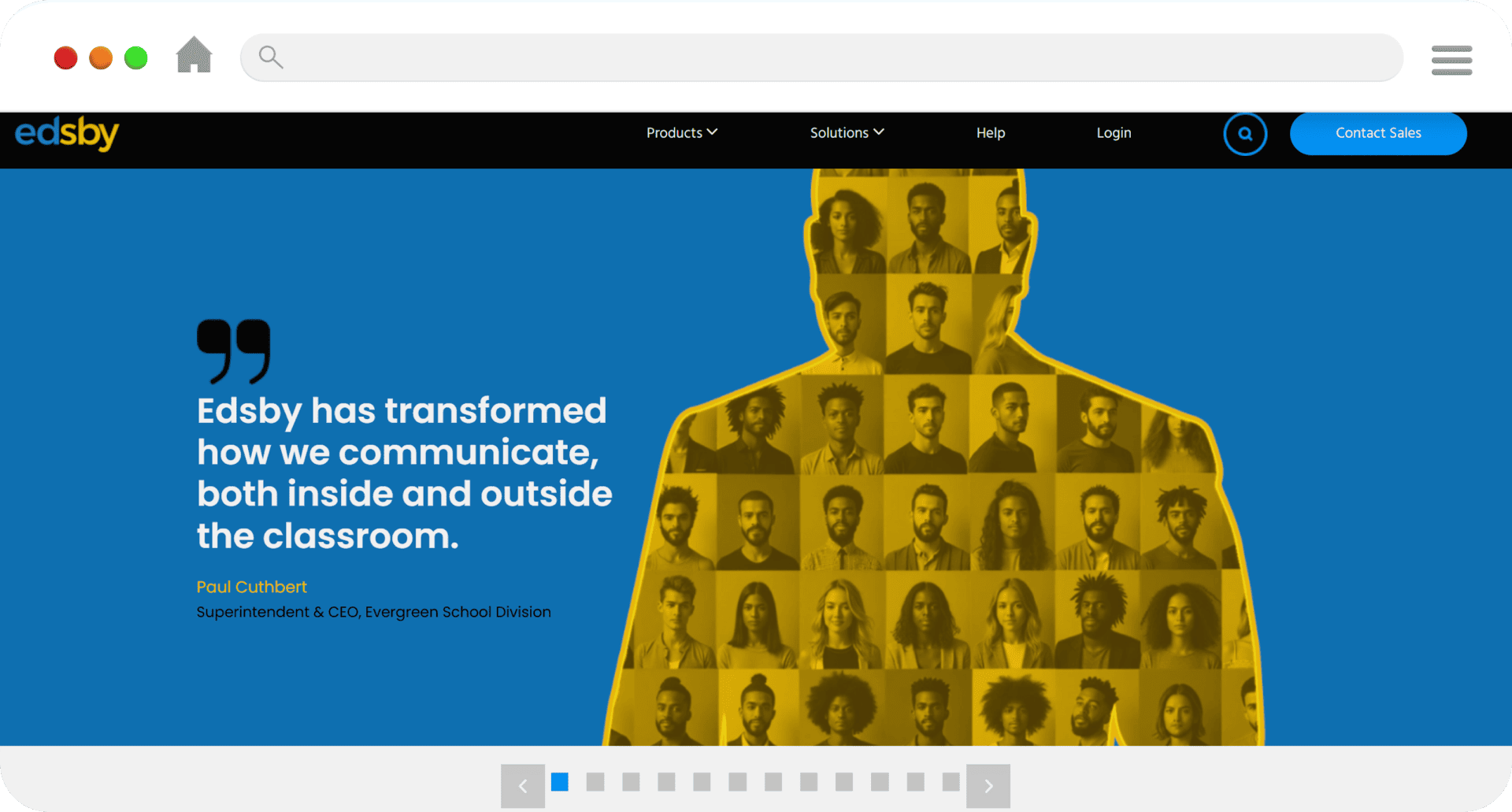
6. Edsby
Edsby is a K-12 platform that is well-known for its focus on communication, engagement, and tracking success, especially in Canadian schools.
Key Strengths
- Secure Messaging makes it easier for instructors, parents, and students to talk to one other in an organized way.
- Assessment and reporting tools give you performance dashboards and ways to keep track of your progress.
- The modern user interface is made to be easy to use and navigate.
- Regional Adoption in Canada: Used in many Canadian districts, showing that it fits with local education systems.
Edsby works effectively in districts that value parent involvement and open communication. However, schools that need more administrative automation may connect it to a larger SIS system.
Comparison Table: Best School Management Portals for K-12 in 2026
| Platform | Best For | Parent Portal | Student Login | Billing | LMS Integration | Deployment |
| Classe365 | Private & international K-12 schools | Yes | Yes | Yes | Native + Integrations | Cloud |
| PowerSchool | Large public districts | Yes | Yes | Advanced | Yes | Cloud / Hybrid |
| Canvas | LMS-focused institutions | Limited | Yes | No | Core LMS | Cloud |
| Schoology | LMS + SIS blend | Yes | Yes | Limited | Strong LMS | Cloud |
| Gradelink | Small to mid-sized private schools | Yes | Yes | Yes | Basic | Cloud |
| Edsby | Engagement-focused schools | Yes | Yes | Limited | Moderate | Cloud |
SIS, LMS, and ERP: What’s the Difference?
One of the major sources of confusion for educators is differentiating between SIS, LMS, and ERP systems:
- SIS (Student Information System): The main database for student records, attendance, gradebooks, and how things work in the school.
- Learning Management System (LMS): Tools for delivering lessons, keeping track of online assignments, and making digital learning spaces easier to use.
- Enterprise Resource Planning (ERP): These are whole systems that cover more than just running a school. They also cover HR, finance, and procurement (which is frequent in big districts).
Modern school websites are making these distinctions less clear by adding LMS interfaces or even basic ERP functionalities. The SIS features, on the other hand, should be the most important part of any good K-12 school management portal.
What Are the Best School Login Systems for K-12?
The best login systems in 2026 include
| Feature | Why It Matters |
| Role-Based Access | Ensures admins, teachers, parents see only relevant data |
| Single Sign-On (SSO) | Simplifies user experience |
| Multi-Factor Authentication | Enhances security |
| Mobile Accessibility | Supports real-time engagement |
| Audit Trails | Protects compliance & accountability |
Secure login systems are foundational for data protection and FERPA/GDPR compliance.
What are the benefits of modern K-12 school management software?
The goal of modern school administration software for K-12 is to make the whole school more efficient, open, and safe for data. The top school management portals and login systems for K-12 schools give everyone involved clear results.
For Administrators
Modern K-12 portals automate the processes of admitting students, keeping track of fees, monitoring attendance, and reporting compliance. By putting all of a school’s student information in a secure SIS platform, administrators can cut down on mistakes made by hand, get ready for audits, and see how the school is doing in real time.
For Teachers
An integrated school management system makes it easier to keep track of attendance, enter grades, and talk to parents and students. With role-based login systems and unified dashboards, teachers can spend less time coordinating administrative tasks and more time teaching.
For Parents
K-12 school administration software has parent portals that let parents see grades, attendance, announcements, and billing updates in real time. Secure login methods make things more open and promote communication between schools and homes, which builds trust and involvement.
For Students
Centralized access to timetables, assignments, tests, and academic feedback is good for students. Mobile-first dashboards make sure that you can access learning materials and track your progress from any device at any time.
Conclusion
When schools look for the top K-12 school management websites in 2026, they should think over more than just the features. The best school administration software should keep all student information in one place, have secure login systems for schools, offer parent portals, and be able to grow with the school.
PowerSchool and other enterprise-level platforms are still the best choice for big public school districts. Canvas and Schoology, on the other hand, are still popular in digital learning environments. Gradelink and Edsby are two examples of solutions that meet certain objectives, such being easy to use and getting parents involved.
Classe365, on the other hand, offers a complete K-12 portal that is geared for operational efficiency and long-term growth. It includes built-in SIS software, admissions procedures, billing, CRM, and secure role-based access.
In 2026, schools looking for the best K-12 school management systems should look for ones that eliminate system fragmentation, make data more secure, and get more people involved, including administrators, teachers, parents, and students. Unified school management software will keep shaping the future of technology in K-12 schools.
FAQ
What are the best school management portals and login systems for K-12 in 2026?
In 2026, the best school management portals for K-12 will be all-in-one systems that include SIS software, secure school login systems, parent portals, admissions procedures, and billing management. Enterprise systems like PowerSchool are good for big districts, but private and expanding K-12 schools frequently prefer all-in-one platforms like Classe365 because they are easier to use and can grow with the school.
Which school management software is best for private K-12 schools?
Private K-12 schools usually find that school management software that puts student records, admissions, billing, and parent contact all in one place is very helpful. People often look at platforms like Classe365 and Gradelink. Unified SIS platforms, on the other hand, offer better long-term scalability and capabilities for managing enrollment.
What features should the best school login systems for K-12 include?
Role-based access (admin, teacher, parent, student), single sign-on (SSO), multi-factor authentication, audit logs, and mobile accessibility are all features that make up the top school login systems for K-12. Secure login methods are important for keeping student information safe and following privacy laws.
What are the differences between SIS and LMS software in K–12 schools?
SIS software keeps track of student information, attendance, enrollment, billing, and reports. The main purpose of LMS platforms is to give lessons, assignments, and tests. Schools that want full control over their operations usually need a powerful SIS platform, which is commonly linked to an LMS for digital learning.
Is PowerSchool better than Canvas for K-12 schools?
PowerSchool is a complete Student Information System that is made to help districts manage their data and follow the rules. Canvas is mostly a Learning Management System that focuses on teaching online. Schools need a SIS to run their business, and they may also use an LMS like Canvas to offer lessons.
What is the least expensive school ERP for small K-12 districts?
Small K-12 districts can get affordable school ERP and SIS solutions that include admissions, billing, attendance, and parent portals all in one place. Unified systems cut down on the number of tools needed, which lowers overall operational expenses compared to solutions that solely work for businesses.
Are K-12 school management portals that are located on the cloud safe?
Yes. Modern school management portals that are based in the cloud use secure authentication mechanisms, encrypted data storage, and role-based login systems. To keep student information safe, the top platforms also have audit trails and reports that are ready for compliance.
Why do people like unified school management platforms in 2026?
Unified platforms bring together SIS software, LMS integration, billing, admissions, and secure login systems into one environment. This cuts down on system fragmentation. This makes things run more smoothly, cuts down on administrative costs, and gets more parents and students involved in K-12 schools.