
 Classe365
 Hiree365

Integrations
Integrations that connect your whole campus
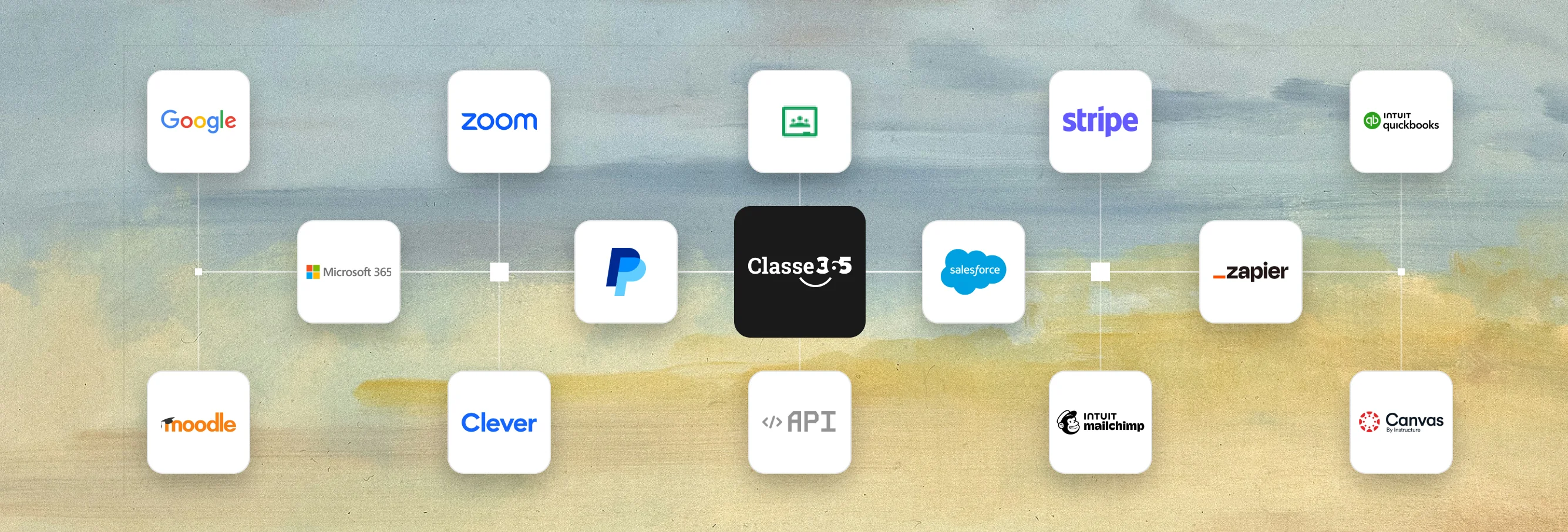
Keep the tools your teams already use and connect them to one student record: Google Workspace and Microsoft 365, Zoom and Moodle, Stripe and QuickBooks, plus an open REST API and Zapier.
- REST API v2 · Open, documented, OpenAPI 3.0
- Zapier · Thousands of apps, no code
- 21 ready-made integrations

Google Workspace
Sign in with Google and work with Drive, Meet and Calendar from Classe365.
Productivity & sign-inSetup guide Enterprise
Microsoft 365 & Teams
Microsoft Teams conversations and Outlook calendar sync with Classe365.
Productivity & sign-inSetup guide
Google Classroom
Sync courses and assessments between Google Classroom and the Classe365 LMS.
Learning & classroomSetup guide
Zoom
Run live Zoom classes from the Classe365 LMS, for teachers and students.
Learning & classroomSetup guide
Moodle
Connect Moodle to the Classe365 Student Information System.
Learning & classroomSetup guide
Clever
Common identity across hundreds of education apps, connected to the Classe365 SIS.
Learning & classroomSetup guide
Stripe
Collect fees online with Stripe Connect: multiple payment methods and currencies.
Finance & paymentsSetup guide
PayPal
Accept fee payments through PayPal.
Finance & paymentsSetup guide
Authorize.net
Payment gateway for merchants in the US, Canada, UK, Europe and Australia.
Finance & paymentsSetup guide
QuickBooks Online
Every invoice generated in Classe365 syncs automatically to QuickBooks Online.
Finance & paymentsSetup guide
Mailchimp
Use Classe365 contacts for email marketing in Mailchimp.
Marketing & webSetup guide
Zapier
Connect Classe365 to thousands of apps with automated workflows.
Automation & APISetup guide
REST API v2
Read and write students, classes, sessions and more over HTTP and JSON.
Automation & APISetup guide Enterprise
Salesforce
CRM for recruitment and enrolment, connected to one student record.
EnterpriseAsk us about set-up Enterprise
HubSpot
Recruitment CRM connected to Classe365.
EnterpriseAsk us about set-up Enterprise
Power BI
Institution-wide reporting on Classe365 data.
EnterpriseAsk us about set-up Enterprise
Canvas LMS
Keep Canvas as your LMS and move data in and out of Classe365.
EnterpriseSetup guide Enterprise
Blackboard
Keep Blackboard as your LMS and move data in and out of Classe365.
EnterpriseAsk us about set-up Enterprise
Brightspace
Keep Brightspace as your LMS and move data in and out of Classe365.
EnterpriseAsk us about set-up Enterprise
OneDrive & SharePoint
Collaboration and files with Microsoft OneDrive and SharePoint.
EnterpriseAsk us about set-up Enterprise
Power Automate & Make.com
Trigger no-code workflows from Classe365 events.
EnterpriseAsk us about set-up-
Not on the list?
Connect anything else with the REST API or Zapier
Use REST API v2 to read and write your institution’s data, or connect thousands of apps without code through Zapier.

SMOWL
Remote proctoring for Classe365 LMS quizzes.

WhatsApp
Send template-based notifications to students and parents on WhatsApp.

Twilio SMS
Send reminders, alerts and announcements by text message.

Intercom
Add Intercom chat to your Classe365 account.
 CSV export
Xero
Export sales invoices and credit notes as a Xero-ready CSV from Fee Reports.

Google Analytics
Track traffic and behaviour on your Classe365 pages.

EqualWeb
Accessibility tools that make your Classe365 content easier to use.

PandaDoc
Document builder and e-signatures inside CRM Enrol & Forms.
- MYOB
MYOB
Set-up guide published on docs.classe365.com.
 Enterprise
Microsoft Azure
Private cloud deployment for Enterprise customers (Security Statement §3.2).
No integrations match. Try another word, or ask us about it.
Classe365 connects the tools your teams already use to one student record, including Google Workspace and Microsoft 365, Zoom, Google Classroom and Moodle, and Stripe, PayPal, Authorize.net and QuickBooks Online. The page lists 21 ready-made integrations, plus an open REST API v2 and Zapier for connecting other apps.
Setup guides and help articles for the ready-made integrations are available in the Classe365 help centre. Enterprise connectors such as Salesforce, HubSpot, Power BI, Blackboard and Brightspace are set up with you by the Classe365 team. Free guided setup and an online help centre are included, and phone or 24/7 support is available as an Enterprise option.
Yes. Staff and students can sign in with their Google account and use Drive, Meet and Calendar alongside Classe365. On Microsoft 365, you can connect Teams and sync Outlook calendars.
Yes. You can start Zoom classes from the Classe365 LMS, sync Google Classroom courses and assessments, or keep Moodle and connect it to the Classe365 student information system. On the Enterprise plan you can also keep Canvas, Blackboard or Brightspace as your LMS and move data in and out of Classe365.
Parents can pay invoices through Stripe, PayPal or Authorize.net. Stripe is offered through Stripe Connect, with multiple payment methods and currencies, and Authorize.net is listed for merchants in the US, Canada, the UK, Europe and Australia. Every invoice generated in Classe365 syncs automatically to QuickBooks Online, so online fees can land in your accounts without re-entry.
REST API v2 is a documented API over HTTP and JSON, with an OpenAPI 3.0 specification, a Postman collection and code samples in cURL, Node.js, Python, PHP, Java, Ruby and Go. A super-admin creates the API key under Settings, API Keys, so your institution controls what each integration can reach. If a tool is not in the ready-made list, you can connect it with the API or use Zapier. Ask the Classe365 team which API access your plan includes.
On the Enterprise plan you can keep Canvas, Blackboard or Brightspace as your LMS, connect Salesforce or HubSpot for recruitment, use Power BI for institution-wide reporting, and connect OneDrive and SharePoint or Power Automate and Make.com. Enterprise institutions can also choose a private cloud on AWS, Microsoft Azure or Google Cloud.
You can connect other systems with REST API v2, or use Zapier to reach thousands of apps without writing code. You can also ask the Classe365 team about a tool you do not see on the list.
Featured integrations
The three integrations most institutions start with
Sign-in and calendars, live classes, and online fee payments that land in your accounts.
-
Google Workspace and Microsoft 365
Staff and students sign in with their Google account and use Drive, Meet and Calendar alongside Classe365. On Microsoft 365, connect Teams and sync Outlook calendars.
- Sign in with Google
- Drive, Meet and Calendar
- Microsoft Teams and Outlook calendar sync
-
Live classes and the LMS you already run
Start Zoom classes from the Classe365 LMS, sync Google Classroom courses and assessments, or keep Moodle and connect it to the student information system.
- Zoom for teachers and students
- Google Classroom course and assessment sync
- Moodle connected to the SIS
-
Online fees, straight into your accounts
Parents pay invoices through Stripe, PayPal or Authorize.net. Every invoice generated in Classe365 syncs automatically to QuickBooks Online.
- Stripe Connect: multiple methods and currencies
- Automatic invoice sync to QuickBooks Online
- Stripe, PayPal or Authorize.net for payments
For developers
Build exactly what you need with REST API v2
A documented REST API over HTTP and JSON, with one response envelope across every endpoint. Your super-admin creates the API key under Settings → API Keys, so your institution controls what each integration can reach.
- OpenAPI 3.0 spec (JSON or YAML) and a Postman collection
- HTTP Basic authentication with your tenant subdomain and API key
- Code samples in cURL, Node.js, Python, PHP, Java, Ruby and Go
- Academics
- Academic sessions
- Teachers & admin staff
- Students
- Attendance
- Grading & assessments
- Fees & invoicing
- Finance & accounting
- CRM & forms
- Agents
- Tasks
# Base URL: https://{subdomain}.classe365.com/restv2
curl "https://{subdomain}.classe365.com/restv2/get-student?id=1024" \
-H "Authorization: Basic $(printf 'subdomain:api_key' | base64)"{
"data": {
"id": 1024,
"enrollments": [ /* one per class-section */ ]
}
}Illustrative request and trimmed response. Field names follow the published Get Student endpoint; profile fields depend on your institution’s student attributes schema. apidoc.classe365.com
Connectors for large and multi-campus institutions
On the Enterprise plan, keep Canvas, Blackboard or Brightspace as your LMS, connect Salesforce or HubSpot for recruitment and Power BI for reporting, and run Classe365 in a private cloud on AWS, Microsoft Azure or Google Cloud.
* Private cloud is in the Security Statement §3.2; Azure as a listed integration is to confirm.
Talk to us about your stack-
 Salesforce
-
 HubSpot
-
 Power BI
-
 Canvas LMS
-
 Blackboard
-
 Brightspace
-
 OneDrive & SharePoint
-
 Power Automate
-
 Make.com
-
 Azure private cloud*
Connect Classe365 to the rest of your campus
Tell us which systems you run today. We will show you how they connect, and what you can retire.