
 Classe365
 Hiree365

 Task Management
School task management, built into your SIS
Follow-ups, IT requests and compliance checks shouldn’t live on sticky notes. Classe365 Tasks gives every job an owner, a deadline and a status, right next to your student records.
Trusted by 6,000+ educational institutions in 130 countries












Everything you need to keep work moving
Create tasks, assign them and track progress to the deadline, with every team working in the same system.

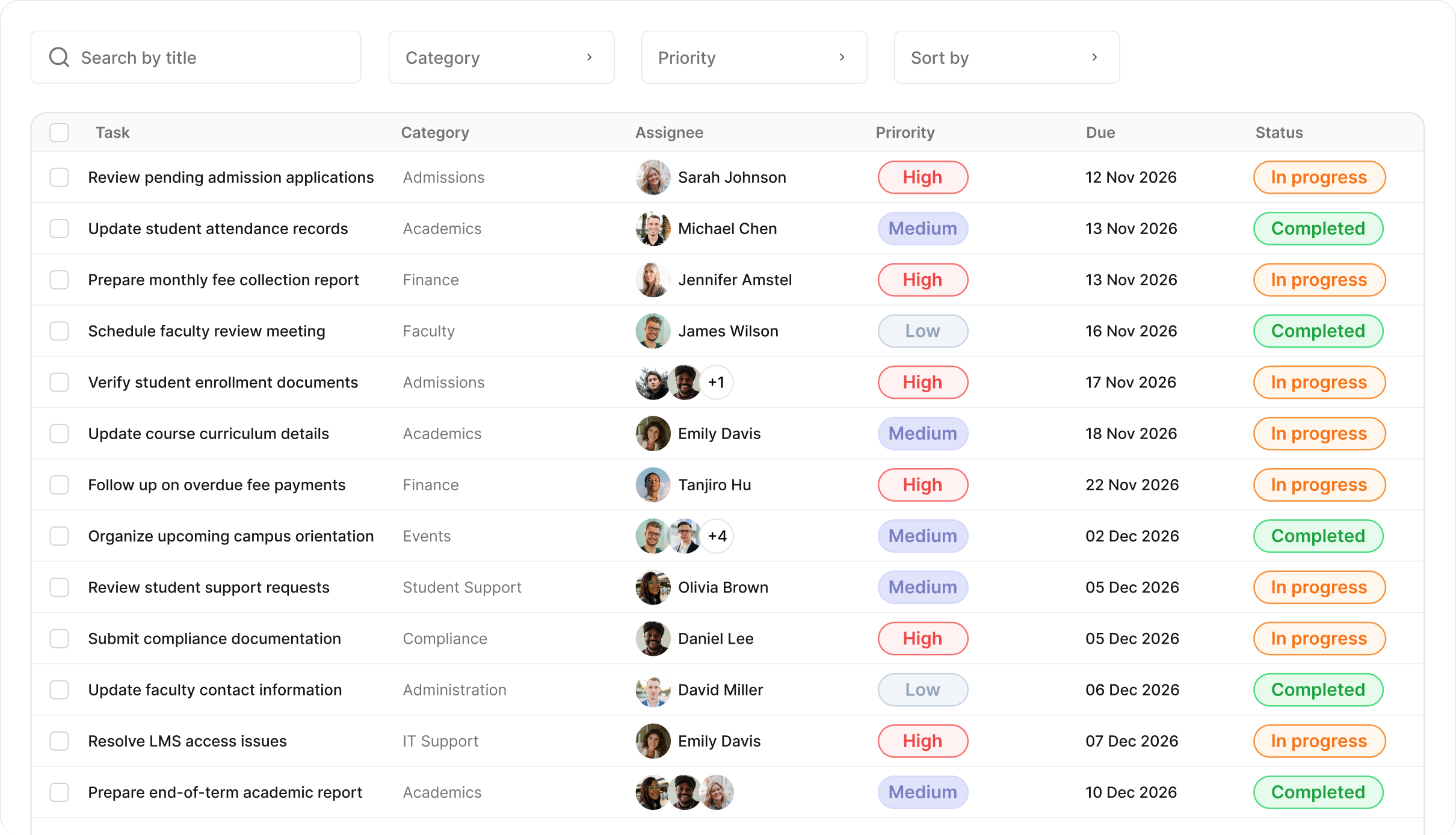
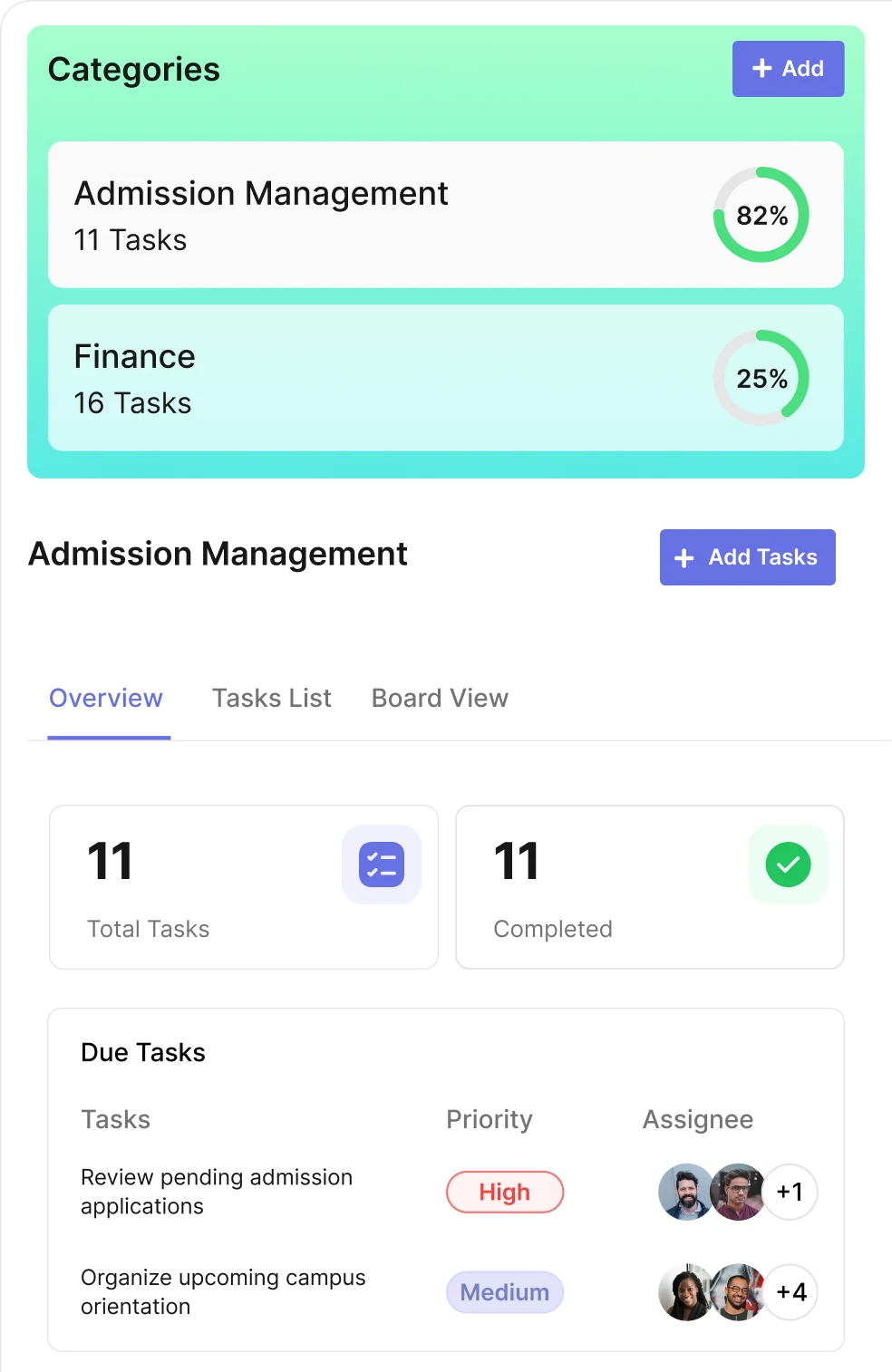
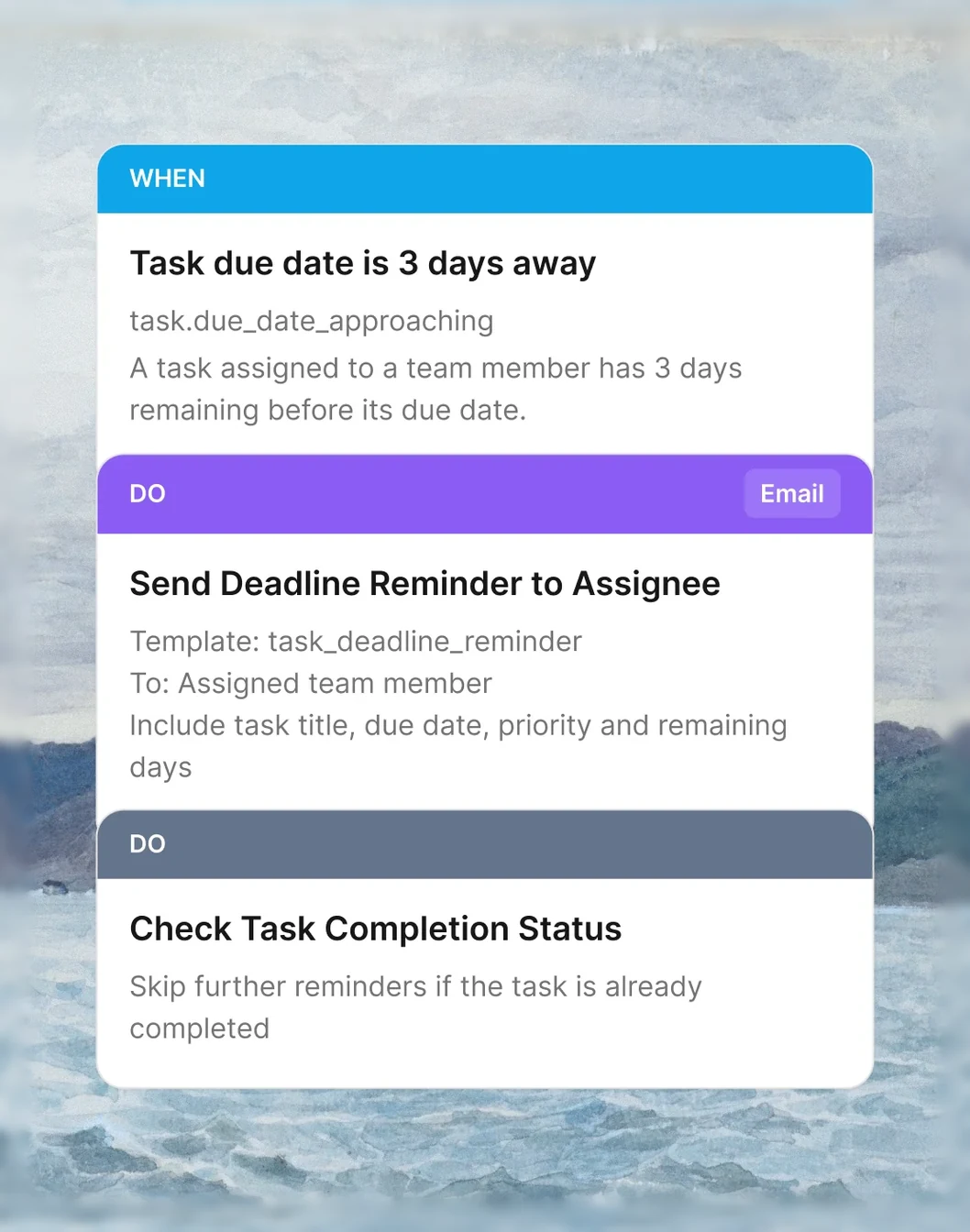
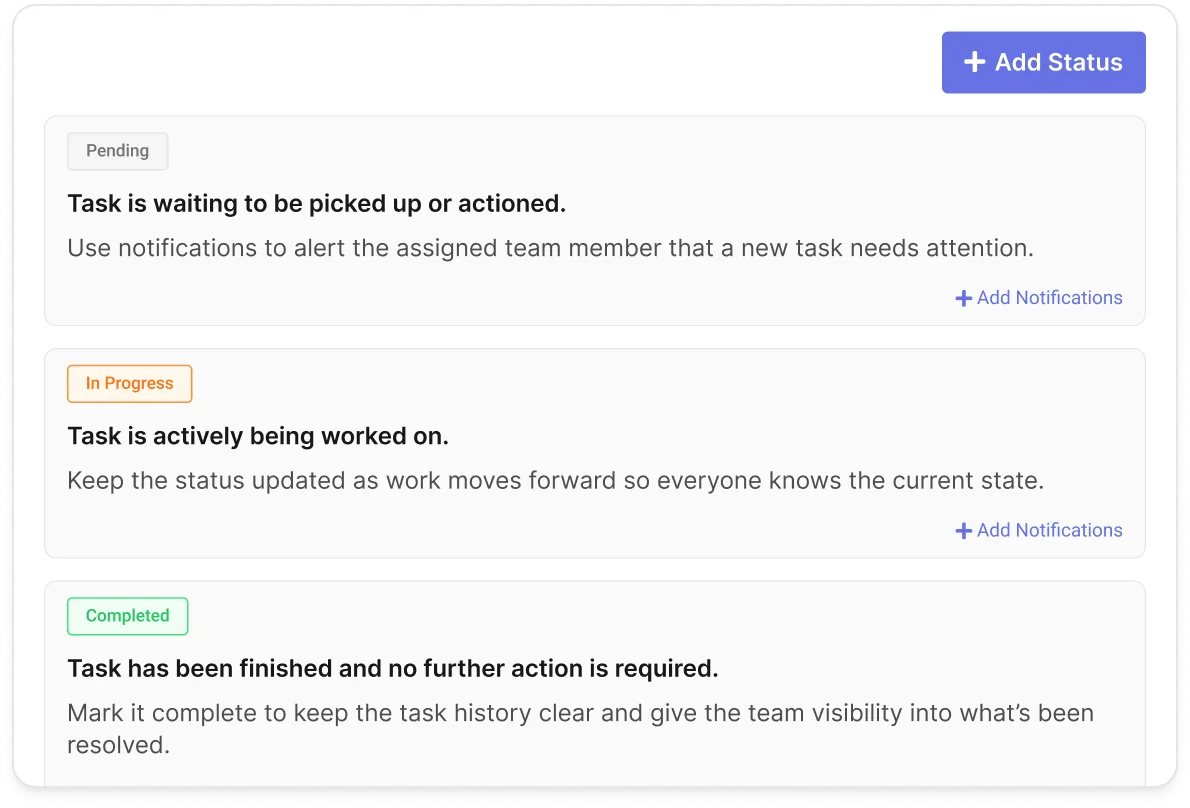
Create custom task categories for different types of work, from admissions follow-ups and facilities requests to IT support tickets. Define unique workflows, organize statuses and automate email notifications at every stage.
Capture the details that matter for every task with customizable text, dropdown, text area and checkbox fields. Record specific information such as room numbers, priority levels, safety checks or any other details your team needs.
Assign tasks to teachers, administrators or students, and add task managers to oversee progress. Let team members share updates, exchange comments and attach relevant files to keep everyone informed and work moving forward.
Choose between a structured list view or a visual Kanban board to manage your tasks. Track progress at a glance, move tasks across workflow stages and keep your team’s workload organised from start to finish.
Integrates with your favorite tools
Integrate your tools with Classe365 for a unified workflow and its benefits.
 Explore integrations













Classe365 AI & Agent Automation
Agent automation & AI built into your workflow
Use AI to simplify everyday tasks & intelligent agents to automate entire workflows - from communication & approvals to follow-ups & operational tasks.
-
 Agent Automation
Automate repetitive work and keep workflows moving with intelligent agents.
-
 Assistive AI
Help your staff work smarter with AI-powered assistance.
Know who’s doing what,
across every campus
When jobs are handed out in emails and hallway chats, it’s hard to know who’s doing what. Classe365 puts every task, owner and deadline in one place, alongside the records the work is about.

No applicant falls through the cracks
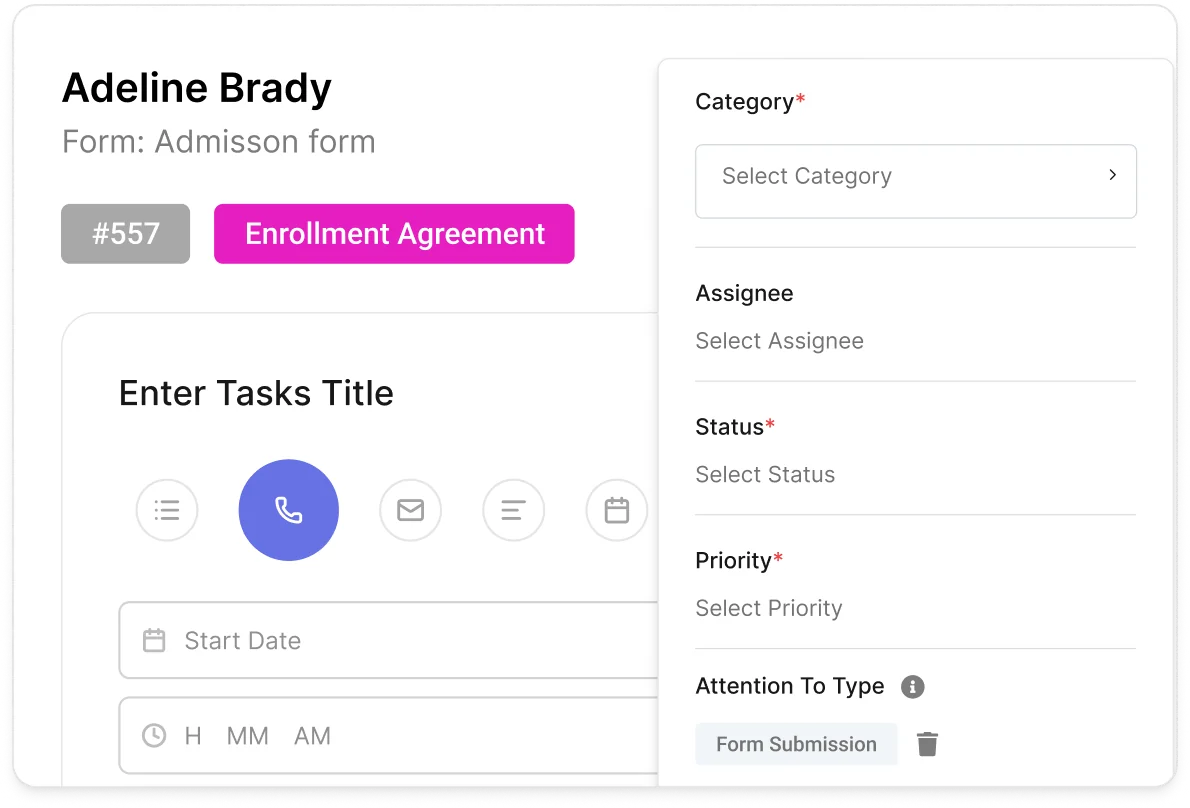
Create a task directly from a CRM submission and keep every follow-up connected to the applicant. Admissions teams can track completed actions, pending tasks, and the next step without leaving the submission.
Every task captures what your team needs
Capture the details your team needs to complete every task. Add custom fields for specific workflows, from priorities and locations to approvals and other information that keeps work clear and actionable.
See the whole world at a glance
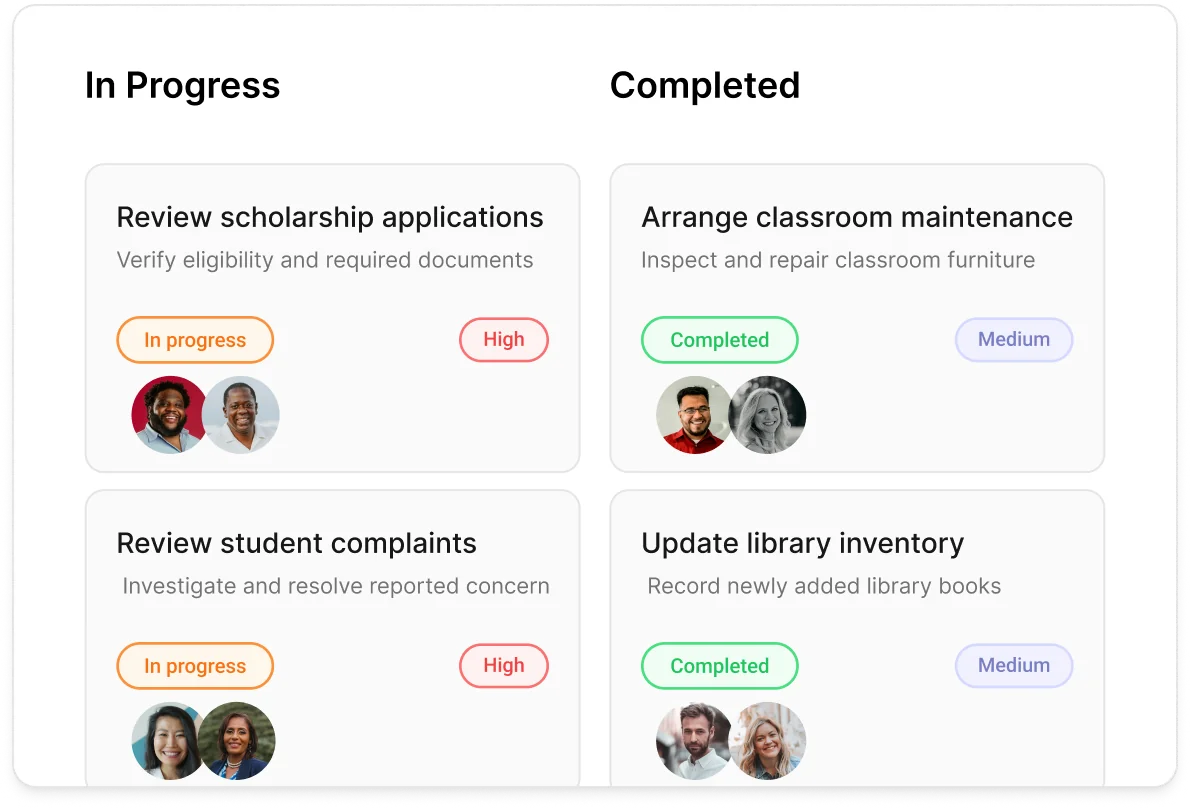
Get a clear view of every task and where it stands. Switch between list and Kanban views to see work by status, quickly add new tasks from anywhere, and stay on top of due dates, ownership, and progress - all from one place.
Creating confidence beyond
the classroom
How meaningful relationships and engaging experiences help students grow through language learning.
Read more
Susanne Brück
Director, Language School at the German School of Geneva

Everything you need to manage tasks
Assign tasks, track progress, and keep every team aligned from start to finish.

Task Management Included In Learning & Academics
Create tasks, assign them and track progress to the deadline.
- Task categories
- Drag-and-drop status order
- Custom fields (Text, Text area, Dropdown, Checkbox)
- Task managers
- Quick add from the Add New menu
- List and Kanban views
- Custom workflow statuses per category
- Email notifications on workflow steps
- Assign to teachers, admins or students
- Comments and file attachments
- Tasks from CRM submissions
- Archive completed tasks for future reference
-
Privacy & Security
- Hosted on AWS
- Encryption in transit (TLS) and at rest
- Roles & permissions
- Daily backups, 7-day restore window
- 24-hour breach notification
- Single sign-on with Google Workspace
- Administrative actions logged
- Private cloud on AWS, Azure or Google Cloud Enterprise
-
Mobile Apps & Integrations
- Native mobile Android and iOS apps
- Marketplace with 5000+ integrations with Zapier
- Google and Microsoft Sync
- Microsoft Teams, OneDrive & SharePoint Enterprise
- API access
- Enterprise integrations Enterprise
-
World Class Support
- Free guided setup
- Online help centre Enterprise
- 24/7 support
- Developer centre Enterprise
- Phone support Enterprise
- Implementation program Enterprise
- Change management Enterprise
Enterprise Trust
Built for security. Ready for compliance.
Strengthen institutional security with trusted frameworks, rigorous controls, and compliance-ready practices.



Classe365's platform is very easy to use, price is quite reasonable, and the modules we have subscribed to are very useful. The support is absolutely outstanding! There is always someone available to speedily and patiently help when you need assistance.

On-demand videos
Explore product walkthroughs, tutorials, and helpful guides to get more from Classe365.


Replace separate to-do apps with tasks inside your SIS
Keep the work and the records in one place, with the same logins, roles and permissions



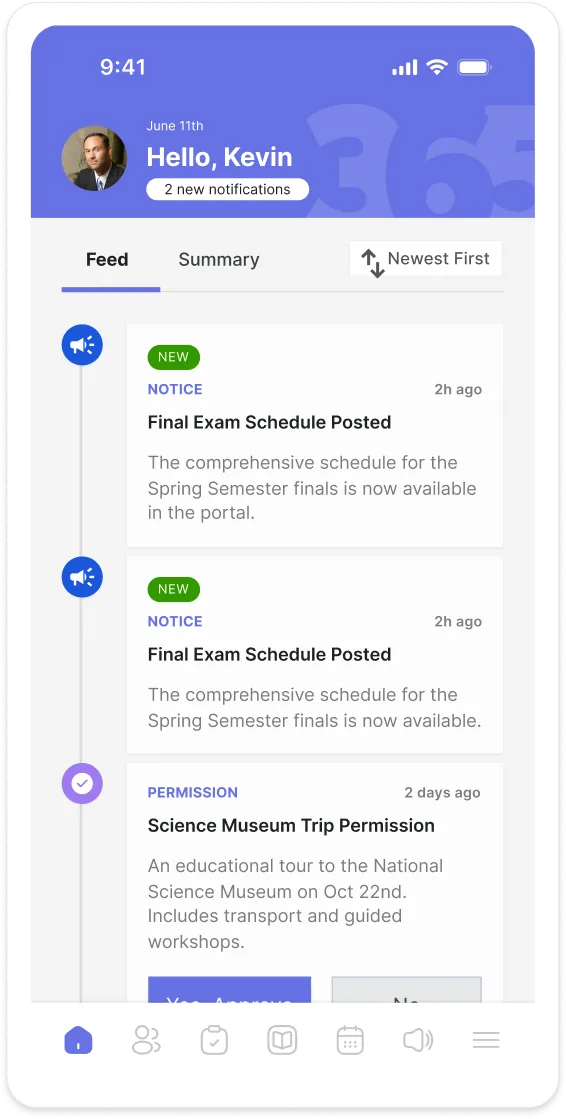
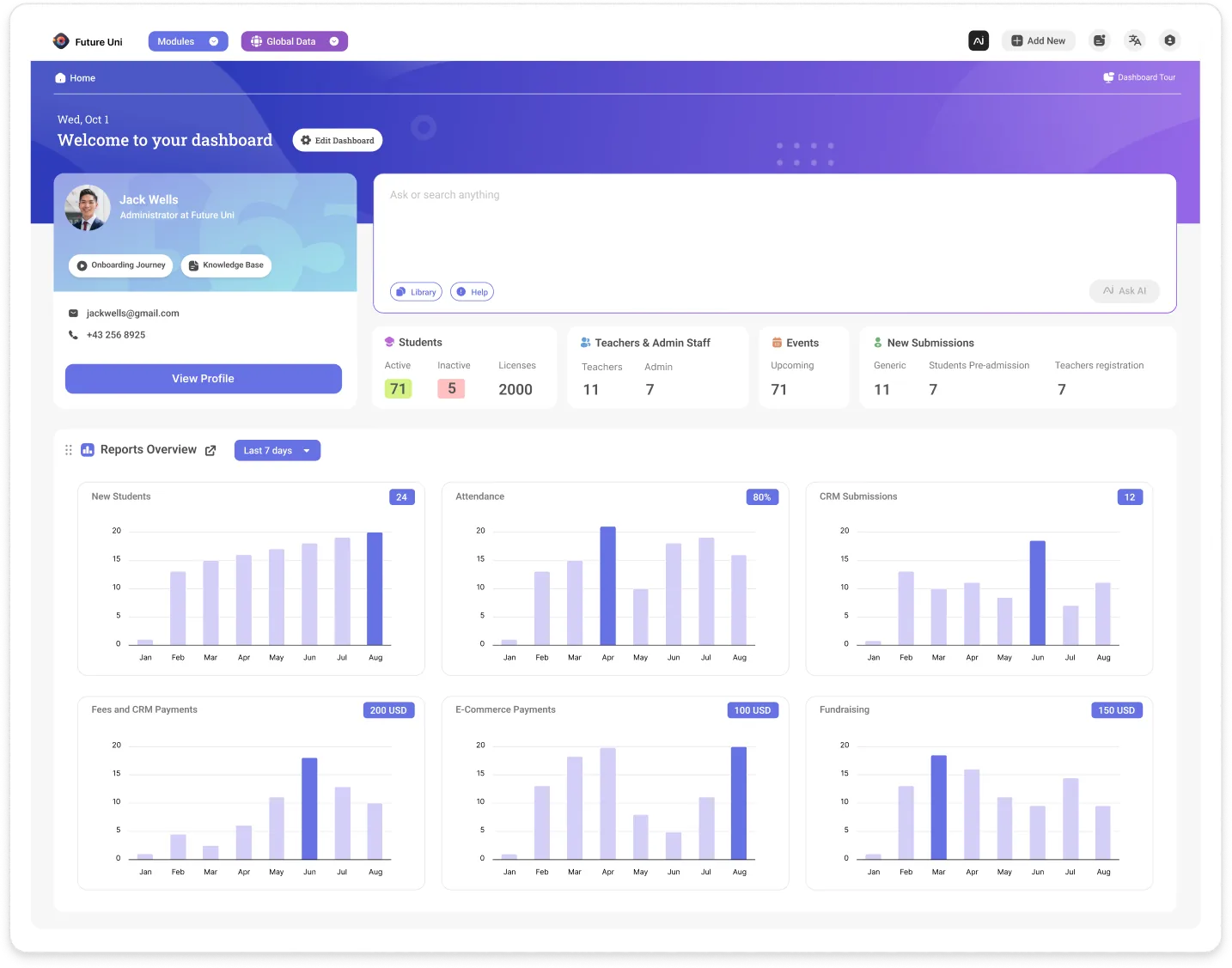
The Classe365 Task module is school task management built into your student information system. It gives every job an owner, a deadline and a status, right next to the student records the work is about, so follow-ups, IT requests and compliance checks do not live on sticky notes or in a separate to-do app.
The module is for schools, colleges and universities that want admissions, teaching, administration, IT and other campus teams to share one task list. Tasks can be assigned to teachers, administrators or students, and you can add task managers to oversee progress.
You can create custom task categories for different types of work, such as admissions follow-ups, facilities requests or IT support tickets. Each category can have its own workflow statuses, which you can drag into the right order, and email notifications can be sent at every stage. Completed tasks can be archived for later reference.
Yes. Each category can include custom fields, using text, dropdown, text area and checkbox fields, so you capture the details that matter for that type of work, such as room numbers, priority levels, safety checks or approvals. Team members can also share comments and attach files so updates stay on the task.
Yes. You can create a task directly from a CRM submission and keep every follow-up connected to the applicant. Admissions teams can see completed actions, pending tasks and the next step without leaving the submission.
You can switch between a structured list view and a visual Kanban board to see work by status, owner and due date. New tasks can be added quickly from the Add New menu, or from inside a category.
Tasks live inside the SIS, so they use the same logins, roles and permissions as the rest of your Classe365 account, and they can be linked to CRM submissions. Hosting is on AWS, with encryption in transit using TLS and encryption at rest, and administrative actions are logged.
Pricing for the Task module is on the Classe365 pricing page, and the team can confirm what applies to your plan on a demo call. The Classe365 14-day free trial needs no credit card. Free guided setup and an online help centre are included.