




The best SIS software for universities in 2026 will help schools make choices quickly by giving them reliable student data. It will also reduce the amount of work that administrators have to do and function well with existing academic systems. Universities are no longer using SIS technologies just to manage grades and enrollments. They are choosing systems that can handle compliance, reporting, integrations, and long-term growth without making things more complicated.
This article looks at the top 10 student information systems for colleges and institutions. It does so by looking at how effectively each system works in the real world, how clear the costs are, and how well they are ready for 2026 needs like cloud access, data integration, and analytics.
What Is Student Information System Software?
Universities employ a Student Information System (SIS) software to keep track of all of their students’ information throughout their time in school. This includes records of admissions, enrollment, course registration, grades, attendance, compliance reporting, and graduation.
SIS should be able to handle cloud deployment, present time data access, interaction with learning management systems, and automated reporting by 2026. Universities are using SIS softwares more and more not to simply store data, but also to make decisions about how to run their businesses and follow the rules.
Key Features of Student Information System Software
-
Centralized structure for student information
A modern SIS keeps one official student record for things like admissions, academics, attendance, tests, and graduation. This design stops departments from sending out reports that don’t match up and ensures that all institutional data is correct.
-
Automating the workflow for academic and administrative tasks
When you automate your workflow, you don’t have to deal with people when you do things like register for classes, have attendance approved, make transcripts, or receive internal clearances. Automation helps speed up processing and stop people from getting burned out at work.
-
Works with other companies’ LMS, ERP, and other systems
Integration makes it easier for the SIS to share data with tools for compliance, learning management systems, financial platforms, and payment gateways. It costs more in the long run to perform things by hand when integration is bad.
Visit here: Set Up a Student Information System implementation (SIS)
-
Real-time analytics and reporting infrastructure
Without having to wait for data to be combined, schools may keep an eye on enrollment trends, academic performance indicators, attendance patterns, and compliance evaluations in real time.
Visit here: 5 Ways Student Information Systems Tailor Education
-
Prepared for audits, security, and compliance
Enterprise-level SIS platforms provide capabilities including role-based access, audit logs, data encryption, and the ability to send reports to regulators. These things minimize the chance of an audit and assist the school meet its compliance needs.
Benefits of SIS Software for Colleges and Universities
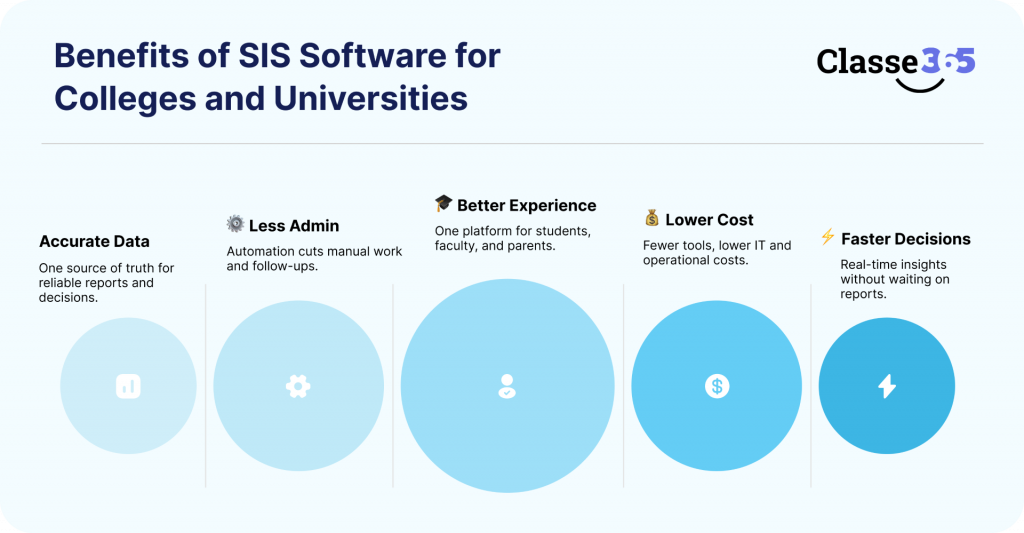
1. Less work for managers and less need for staff
Automation handles boring tasks like entering data and getting approvals, which lets administrative staff focus on strategic and student-facing tasks instead than putting out fires in the day-to-day operations.
2. More accurate statistics and faith in the organization
By cutting down on disparities between departments, a single source of truth makes reports used for certification, funding, and executive decision-making more reliable.
Visit here: SIS Impact on Educational Ecosystem
3. Making choices about academics and business more rapidly
Live dashboards and reporting tools allow leaders act on information regarding enrollment, performance, and retention right now, instead of having to wait for reports that were made by hand.
4. Better experience for students, teachers, and parents
Unified systems make people happier and more likely to utilize them because they reduce login fatigue, data mismatches, and process confusion.
Visit here: Improving Student Learning
5. Lower overall cost of ownership over time
Institutions can save money in the long run by getting rid of unneeded systems, cutting down on IT maintenance costs, and cutting down on the amount of human labor needed due to bad integrations.
Read More:
Comparison of the Top SIS Software for Universities
| Tool Name | Key Features | Platform(s) Supported | Pricing Model | Capterra Rating (2026) | Free Trial |
| Classe365 | Admissions, academics, fees, compliance, analytics | Web / Cloud (cloud-hosted; mobile access) | Subscription-based | 4.8 | Yes |
| Classter | Integrated SIS, LMS, billing & CRM | Web / Cloud | Custom / Quote | 4.7 | No |
| Gradelink | Basic SIS functionality, ease of use | Web / Cloud / Mobile | Per-student pricing | 4.7 | Yes |
| PowerSchool SIS | Academic tracking, reporting, scheduling | Web / Cloud / Mobile | Per-student pricing | 4.3 | Limited |
| Fedena | Customizable modules, open-source | Web / Cloud + Mobile | Flexible pricing | 4.2 | Yes |
| Skyward | Core SIS workflows | Web / Cloud + Mobile | Tiered pricing | 4.1–4.2 | No |
| Oracle Higher Ed Cloud | ERP-grade SIS, compliance reporting | Web / Cloud (Oracle Cloud) | Custom pricing | ~4.0–4.3 | No |
| Blackbaud SIS | Advancement & alumni integration | Web / Cloud | Custom pricing | ~3.0–4.2 | No |
| Aeries SIS | Student data, attendance, grades | Web / Cloud | Custom / Quote | 3.5 | No |
| Ellucian Banner | Enterprise SIS, finance integration | Web / Cloud (SaaS available) | Custom pricing | ~3.6–3.8 | No |
The 10 Best Student Information Systems for 2026
The SIS platforms listed below are regularly talked about on G2, Capterra, Research.com, and other independent reviews of higher education technology. Each system solves a different operational problem, like making sure the whole firm follows the rules or dealing with integration debt. Rankings demonstrate how well institutions really do, how much labor it takes to do something, and how much it will cost in the long run. They don’t show how well a vendor does.
1. Classe365
Classe365 is for schools/colleges who want to get rid of broken academic systems and replace them with a single operational core can use Classe365. It doesn’t put SIS, LMS, and CRM technologies on top of each other; it merges them into one platform. This strategy makes it easier for institutions to make judgments and reduces down on paperwork.
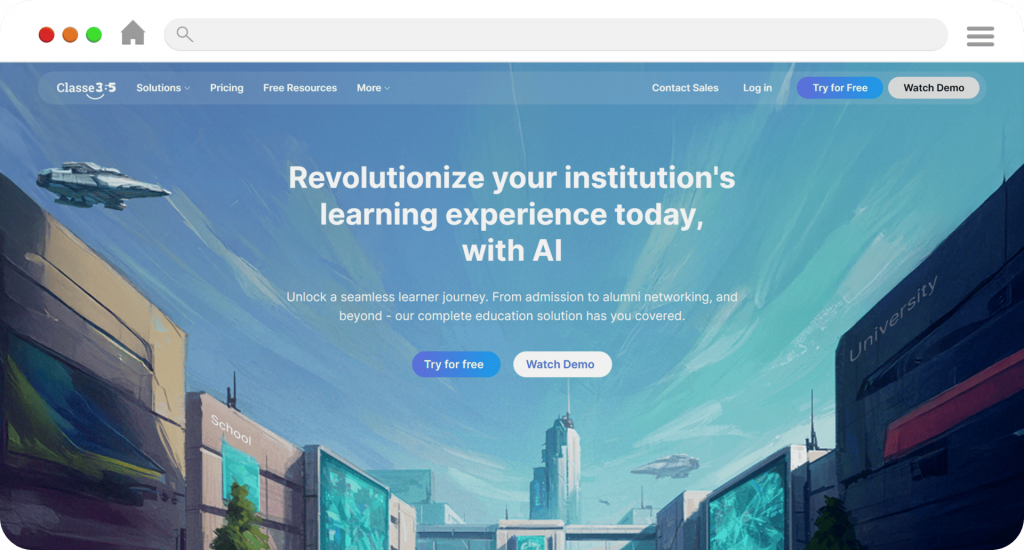
Most of the time, universities use it to modernize without having to deal with obsolete systems.
Key Features
- One place to handle SIS, LMS, CRM, and fees
- Complete view of the student’s life, from when they start school till they graduate
- Dashboards for academic and administrative teams that come with analytics
Support & Community
Structured onboarding, live support, and a busy user community make it less likely that you’ll need to employ outside consultants to help with implementation.
Pros
- Gets rid of the unnecessary work that comes with using stacks from more than one vendor.
- Faster to set up than earlier SIS platforms
Cons
- You need to plan how to put things up for advanced customization.
Outcome
Best for colleges that want to be transparent about how things work without having to deal with a lot of different systems.
2. Classter
Classter is a cloud-based platform for managing schools that combines features from SIS, LMS, and CRM. Most of the time, organizations that want to combine functions with flexible modules utilize it instead of a fully integrated intelligence system.
It works for colleges that want to be able to adjust their setup without having to rely too much on existing infrastructure.
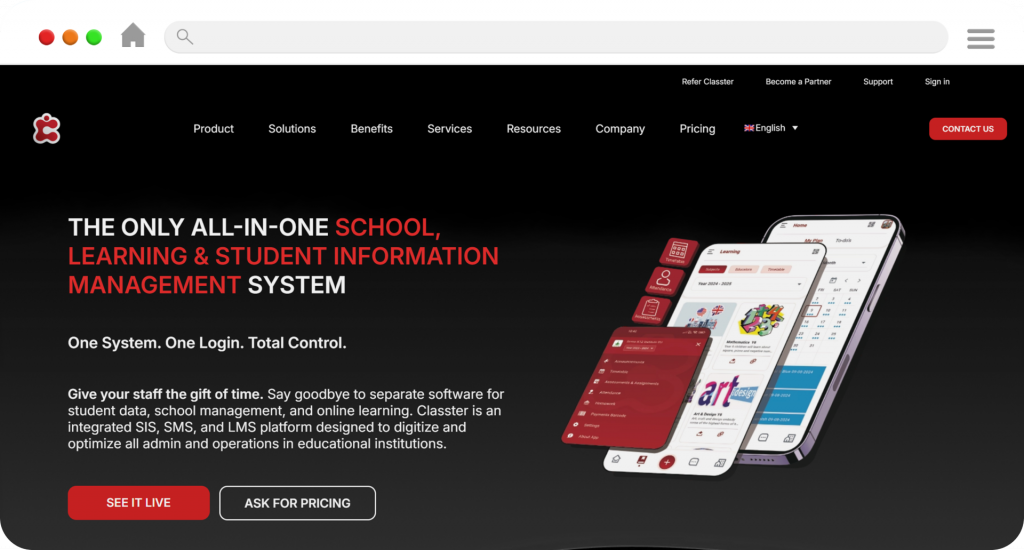
Key Features
- Parts of the modular SIS, LMS, and CRM can be turned on as needed.
- Centralized records for academics, admissions, and enrollment
- Tools included in to help with learning in classes and on tests
Support & CommunityVendor-led onboarding includes help with paperwork and setting things up for the first time.
Pros
- It takes hard to get the modules to work together.
- Predictive analytics and automation don’t go too deep.
Cons
- Effort needed to set up modules so they work together
- Not enough depth in predictive analytics and automation
Outcome
This is best for medium-sized institutions that want to handle academics and learning in a modular approach but don’t need advanced AI-driven insights.
3. Gradelink
Gradelink is a simple and cheap SIS that doesn’t take up much space.
It helps with basic academic administration without making things too complicated for businesses.
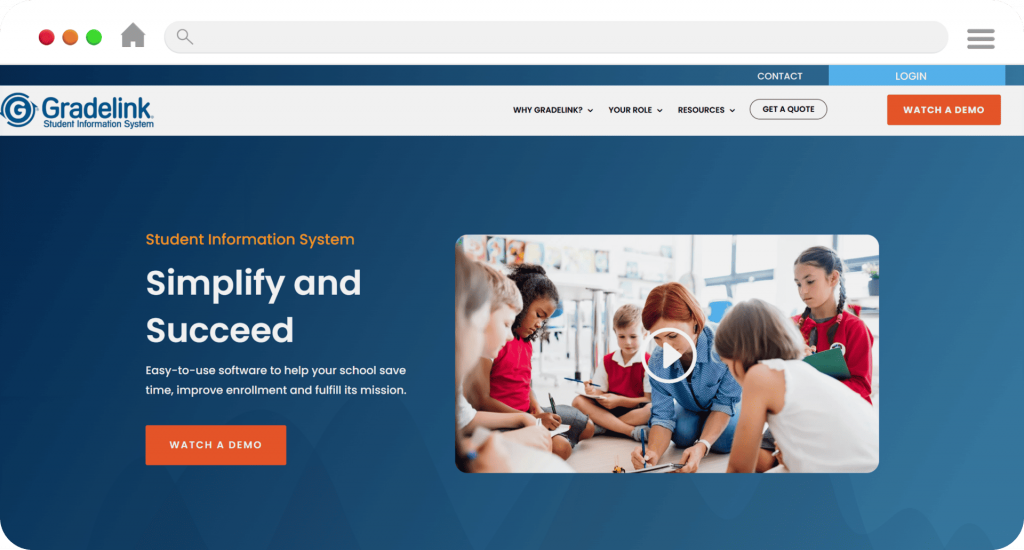
Key Features
- Enrollment, grades, and transcripts
- Built-in billing and reporting
- Parent and student portals
Support & Community
Direct vendor support with minimal setup requirements.
Pros
- Fast implementation
- Easy for non-technical staff
Cons
- Limited scalability
- Lacks advanced analytics
Outcome
Best for small institutions with straightforward needs.
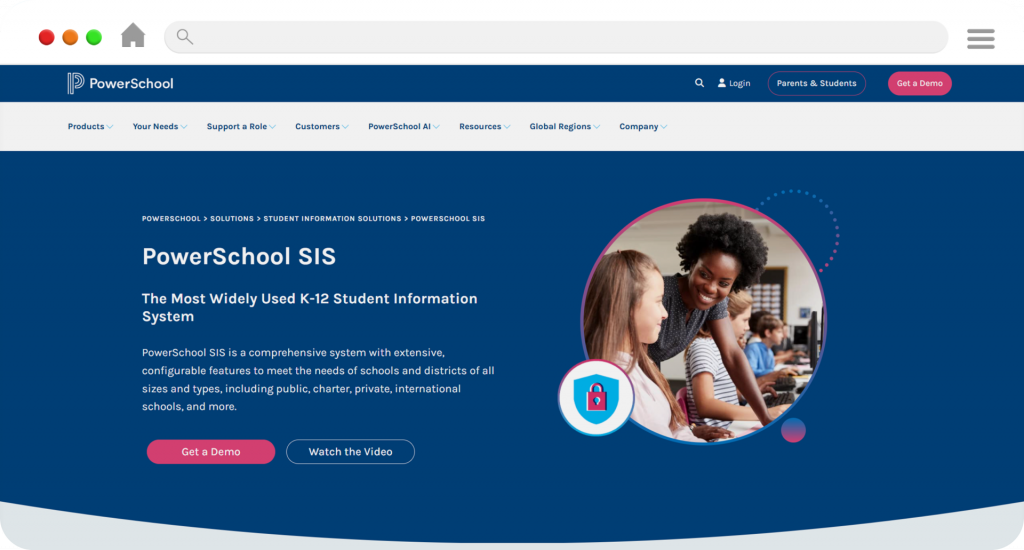
4. PowerSchool SIS
PowerSchool is used by many schools and has grown into higher education through integrations and modular solutions. It stresses the need of keeping and expanding academic records.
Often picked by schools that work with students of all ages.
Key Features
- Academic records, attendance, and scheduling
- Parent and student portals
- Large third-party integration ecosystem
Support & Community
Well-established support network and extensive documentation.
Pros
- Broad adoption and scalability
- Strong integration marketplace
Cons
- User interface feels dated to some institutions
- Requires IT oversight for customization
Outcome
A reliable choice for institutions prioritizing ecosystem flexibility.
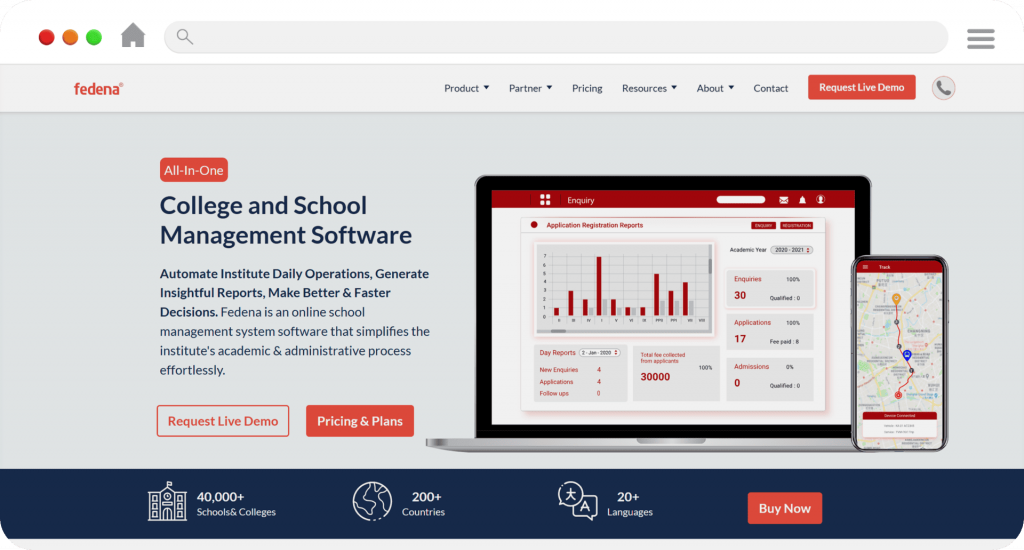
5. Fedena
Fedena has a modular SIS system that lets schools choose whatever features they want and how they want to use them.
It is often employed in places where the IT department is very good at what they do.
Key Features
- Modular SIS components
- Open-source flexibility
- International academic support
Support & Community
Community-driven support with optional vendor services.
Pros
- Cost-effective and flexible
- Customizable workflows
Cons
- Requires in-house technical expertise
- Maintenance responsibility remains internal
Outcome
Best for tech-enabled institutions with custom requirements.
6. Skyward SIS
Skyward is a single system that combines student information with finance and HR tasks. It stresses uniformity in processes and control by management.
Often used by organizations that have regular procedures.
Key Features
- SIS with integrated finance and HR
- Attendance and behavior tracking
- Family and student portals
Support & Community
Highly rated customer support with structured training resources.
Pros
- Strong operational consistency
- Unified administrative workflows
Cons
- Long implementation timelines
- Limited flexibility for customization
Outcome
Best for institutions seeking stability over innovation.
7. Oracle Higher Education Cloud
Oracle’s SIS is part of their bigger cloud ERP plan, which is meant for big businesses. It puts a lot of stress on making finances work together, automating compliance, and making academic models more flexible.
Works best when used with Oracle Finance and HR systems.
Key Features
- Native integration with Oracle ERP and HCM
- Support for micro-credentials and non-term programs
- Automated compliance and financial workflows
Support & Community
Enterprise-grade support model optimized for large, centralized IT environments.
Pros
- Strong financial and compliance automation
- Designed for long-term scalability
Cons
- Complex setup for traditional academic structures
- Less practical outside Oracle’s ecosystem
Outcome
Ideal for universities prioritizing financial governance and ERP alignment.
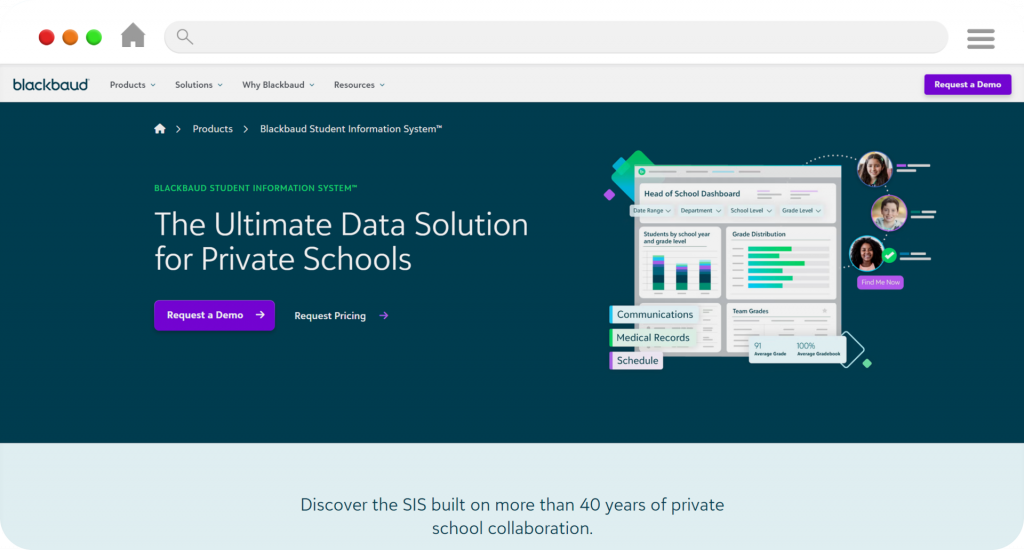
8. Blackbaud SIS
Many schools and colleges utilize Blackbaud SIS because it connects academic data with advancement, alumni connections, and fundraising.
It combines tools for managing students with tools for getting donors and alumni involved.
Key Features
- Academic records and billing
- Alumni and donor system integration
- Parent and student engagement portals
Support & Community
Strong support for advancement teams, with structured onboarding.
Pros
- Aligns academics with fundraising strategy
- Strong alumni lifecycle tracking
Cons
- Higher cost for full platform value
- Integration planning required
Outcome
Best for universities where development operations are strategic.
9. Ellucian Banner
Ellucian Banner is an old student information system that big public and research colleges use. It focuses on depth instead of speed, which helps it follow complicated academic rules and compliance needs.
When flexibility isn’t as important as stability and scale, institutions usually choose Banner.
Key Features
- Enrollment, curriculum, and degree audit management
- Financial aid and regulatory reporting at scale
- Extensive ERP and third-party integrations
Support & Community
Large global user base with a strong partner ecosystem, though most changes require certified consultants.
Pros
- Handles institutional complexity reliably
- Mature reporting and compliance tools
Cons
- High implementation and maintenance costs
- Long upgrade and configuration cycles
Outcome
Best suited for multi-campus institutions with dedicated IT teams.
10. Aeries SIS
Aeries SIS is an old student information system that K-12 school districts mostly use. It is more about managing student data and reporting to the state on a daily basis than it is about higher education workflows.
Key Features
- Records of students, attendance, grades, and compliance reports
- Managing enrollment with portals for parents and students
- Links to educational tools made by other companies
Support & Community
Created a regional user community with vendor-led support, especially strong in U.S. districts.
Pros
- Works well for big K-12 district operations
- Strong ability to follow rules and report them
Cons
- Not designed for university or college use
- Limited analytics and modern automation
Outcome
Best suited for K-12 districts that prioritize operational stability and regulatory accuracy.
Factors to Consider While Selecting the Best Student Information System Software
Universities should evaluate SIS software based on long-term operational impact, not just feature availability.
Implementation time and complexity directly affect staff workload. Systems with lengthy deployment cycles often require additional training and support resources.
Integration effort is another key factor. SIS platforms that rely heavily on custom integrations increase long-term maintenance costs.
Pricing transparency matters. Institutions should assess the total cost of ownership, including implementation, support, and scaling costs.
Finally, usability influences adoption. Systems that are difficult to use increase administrative friction and reduce efficiency.
Why Classe365 Is the Best Student Information System Software
Most universities have problems with traditional SIS platforms, like systems that don’t talk to each other, workflows that have to be done by hand, and not being able to see all the data. Classe365 fixes these problems. By putting admissions, academics, fees, compliance, and reporting all in one cloud-based platform, it gets rid of operational silos and makes it easier to run the school.
Classe365 cuts down on the number of separate tools you need by offering admissions, academics, compliance, and fee management all in one place. Its cloud-based design makes it easier to scale and deploy quickly, and its built-in analytics help with timely academic and administrative decisions.
Colleges that want a Student Information System that is ready for the future should choose Classe365 because it has the right mix of features, flexibility, and ease of use. It helps schools grow, makes things run more smoothly, and gives everyone a clear view of the whole student lifecycle. This makes it a good choice for a SIS that can grow and work in today’s higher education market.
FAQs
What is the best SIS software for colleges and universities in 2026?
The best SIS software depends on the size of the school, how well it can work with other systems, and how much administrative work it can handle. Different operational priorities are met by platforms like Classe365 and Oracle Higher Ed Cloud.
How much does it cost to get SIS software?
Most SIS platforms charge by the student or by the subscription. The total cost depends on how the system is set up, how it works with other systems, and how much support is needed.
Do LMS platforms and SIS software work together?
Yes, modern SIS systems can work with LMS, ERP, and finance tools, but the amount of work needed to make them work together depends on the platform.
How do I figure out the ROI of a new SIS?
To figure out SIS ROI, you look at how much time you save on administrative tasks, how much you save on third-party integration subscriptions, and how much you save on tuition thanks to AI-driven retention. Institutions that use Classe365’s Unified Intelligence Core usually cut down on administrative processing time by 20 to 35%.
What do you use SIS for?
A Student Information System (SIS) is a program that keeps track of all of a student’s important information from when they apply to when they graduate.
It helps institutions track enrollment, academics, attendance, fees, and compliance without manual work or data silos.
Is it possible for a SIS to take the place of my current CRM and LMS?
If you choose a Unified Intelligence Core, SIS can take the place of your current CRM and LMS. Unlike older systems that need extra modules, Classe365 combines all three functions into one “brain,” making sure that student data flows smoothly from recruitment to graduation.
What is the best program for managing a university?
One of the best software platforms for managing a university is Classe365 because it combines SIS, LMS, and CRM into one system. It helps colleges and universities keep track of admissions, academics, fees, compliance, and student engagement all in one place, which makes things easier and lessens the amount of work that needs to be done by administrators.
What is the difference between a SIS that is “Cloud-Native” and one that is “Cloud-Hosted”?
Cloud-native systems are made to grow quickly and get updates automatically. Cloud-hosted systems are old “monoliths” that have been moved to a server. This difference is why Classe365 can be set up in weeks, while older ERP-heavy systems often take years to set up.
How much training do employees need for Classe365 compared to Oracle?
Because of its 9.4 G2 Ease of Use rating, Classe365 needs a lot less training than legacy giants, which have a “steep learning curve.” Because of this flexibility, your team can be up and running in months instead of years.
Does my college need an ERP or just a new SIS?
Instead of a bloated, all-in-one legacy ERP, most modern universities need an agile SIS that “handshakes” with their finance ERP. With Classe365, you can get the academic flexibility you need without having to spend a million dollars to set up a traditional ERP.
How can we move decades of student data without any downtime?
“Migration Experts” are used by modern SIS providers to safely map your “Island Data” into a single database. This process ensures that decades of historical records are cleaned and consolidated during the 4–8 week transition window.
What are the good things about using a SIS?
A Student Information System (SIS) has many benefits, such as keeping all student data in one place, making administrative work easier, and making admissions, academics, and finance more accurate. An SIS helps schools automate everyday tasks, make sure they follow the rules, and see how students are doing and how the school is running in real time.
How do mobile apps help keep students in school?
Mobile apps help keep students by giving them what “Gen Alpha” wants: real-time access to grades, registration, and fee payments. A mobile-first SIS keeps students interested in the school by using the device they use the most.